

In today’s business environment many companies rely on cloud-based software and services to manage critical operations. Email remains a cornerstone of communication across industries. Whether you are negotiating deals with clients, vendors, or internal teams email holds critical business information. Software-as-a-service platforms like Microsoft 365 and Google Workspace have made email accessible and scalable but they have also created a false sense of security around data protection. Many owners believe that because their email is hosted in the cloud it is automatically safe and recoverable in all scenarios. The truth is cloud email platforms are resilient but not immune to data loss and do not inherently include comprehensive backup and retention capabilities.
This practical guide explains what SaaS email backups are, why they matter, and how business owners can protect their most important communications and records with a smart backup strategy. If you want to safeguard your business from human error malicious activity compliance issues or accidental deletions this guide will help you understand the risks the solutions and the best practices to implement email backups confidently.
What Are SaaS Email Backups

SaaS email backups refer to the practice of copying and storing a duplicate of your email data that is separate from the primary email service provider. Unlike native retention settings or recycling bins offered within the email system, SaaS email backups create an independent, secure backup repository that business owners can access for recovery, compliance, or legal needs.
These backups can be scheduled automatically and retain data for long periods based on business needs. They provide a safety net beyond the basic recovery tools of your primary email provider. For many business owners email backups have become a core component of data governance and risk management.
Why You Might Think Email Is Already Safe
Cloud based email providers like Microsoft 365 and Google Workspace host millions of users and engineer high levels of uptime. They protect against infrastructure failures and maintain redundant systems across multiple data centers. However, this does not necessarily protect your business from all forms of data loss.
Many owners assume that email hosted in the cloud is automatically backed up with long term retention. The reality is native email systems focus on availability not archival. They aim to keep the system running and restore access quickly if there is an outage. Native retention options often have limitations including fixed retention periods or complex configuration requirements. If data is permanently deleted by a user or compromised due to a security breach native tools may not be sufficient for restoration.
Common Causes of Email Data Loss
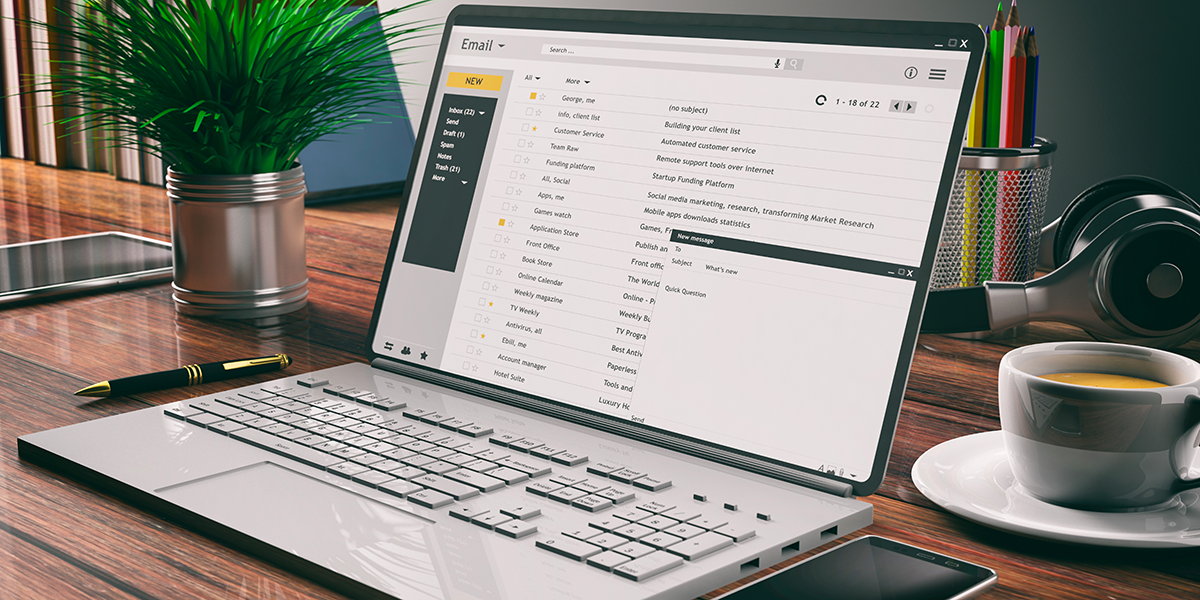
Understanding where email data loss comes from helps clarify the need for separate backups. Some common scenarios include these:
Human Error
Accidental deletions occur every day. A staff member may empty a mailbox or remove important threads and content without realizing the impact. Native email recovery options are time limited and may not restore everything you need after the recovery window closes.
Malicious Activity
Insider threats or compromised accounts can result in data deletion or tampering. Malware and ransomware attacks may target email data to disrupt operations or extort businesses. In these cases native email systems may not be equipped to fully recover compromised data.
Compliance and Legal Requirements
Certain industries require long term retention of communications for compliance or legal reasons. Native email retention may not align with regulatory mandates. Without independent backups your business may struggle to demonstrate compliance during audits or litigation.
Sync Errors and System Glitches
Tools that sync email across devices can malfunction and cause data loss. Sync errors may result in corrupted folders or missing messages that are no longer recoverable through the native platform.
The Limits of Native Email Retention

Email providers offer retention options that can appear like backups but have limitations worth understanding.
Recycling Bins and Soft Deletes
When a user deletes an email, it may go to a recycling bin or trash folder. After a period, it may move to a secondary recovery area. These features provide short term recovery but are not true backups. They are designed for convenience not long-term data protection.
Litigation Hold & Retention Policies
Some platforms include litigation hold and retention capabilities that preserve data beyond deletion. These can be helpful for compliance but require proper configuration and ongoing management. They do not guarantee protection against every type of loss, especially if settings are misconfigured or a breach occurs.
Lack of Independent Copies
Retention features within the email system are part of the same environment. If a platform outage, compromise or data corruption event occurs this internal data may also be affected. Independent backups stored outside the primary environment isolate your email data and preserve it independently.
What True Email Backups Provide
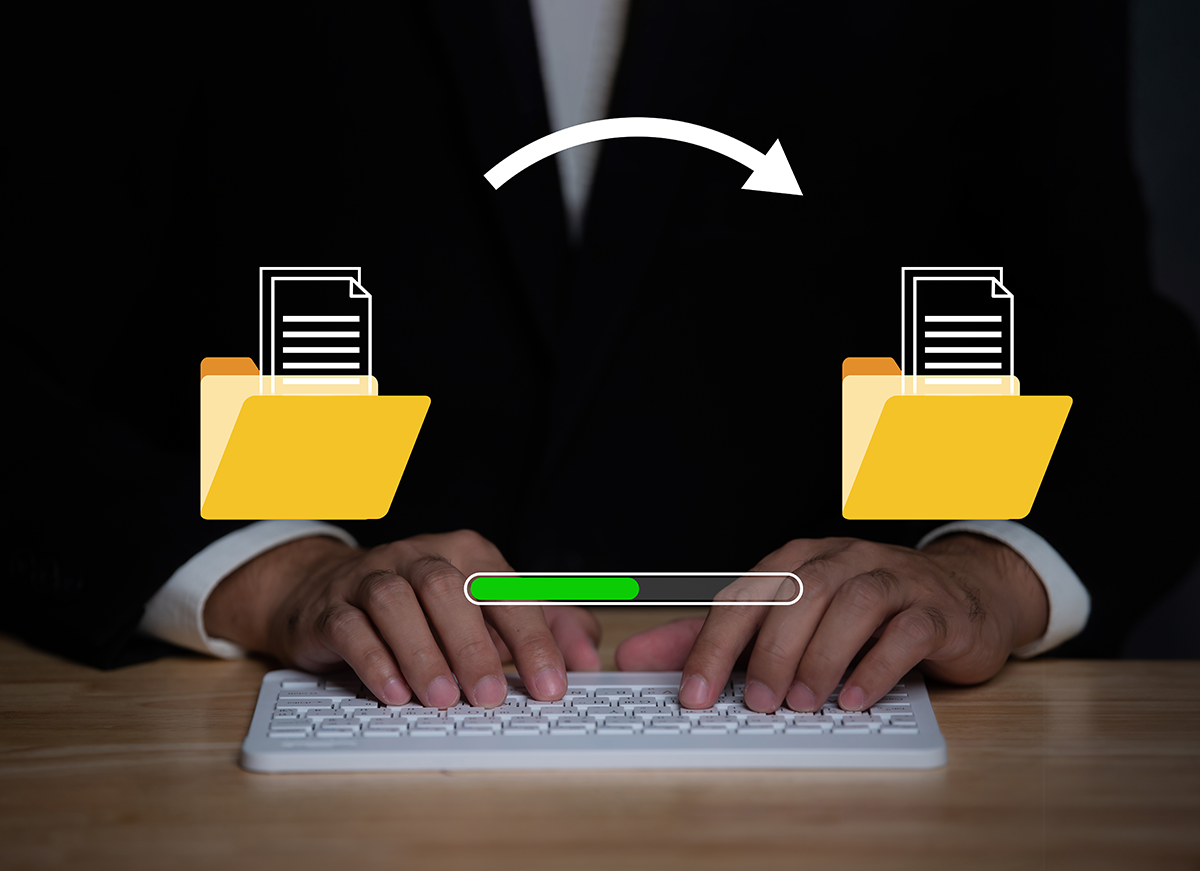
SaaS email backups offer key advantages that differ from native tools. These include:
Independent Storage
Backups are stored separately from the primary email system. Even if your email platform experiences issues the backup remains safe.
Extended Retention
You can define how long backups are retained based on your business needs regulatory requirements or legal obligations. This flexibility goes beyond the limited windows of native tools.
Easy Recovery
Backup systems are designed for restore operations. Whether you need to restore an entire mailbox or specific messages you can do so without relying on support tickets with your email provider.
Protection Against Ransomware
Some backup solutions include versioning and immutable storage which prevent backups from being altered by malicious actors.
Legal and Compliance Support
Backups provide a reliable source for eDiscovery, audits or legal discovery requests. Independent backups strengthen your ability to respond to compliance challenges.
How SaaS Email Backups Work
SaaS email backups typically connect to your email provider via secure APIs. They pull data from mailboxes, calendars and contacts then store it in independent cloud or hybrid storage. The system runs on a scheduled cadence and may support incremental backups that reduce storage needs by capturing only changed data after the initial full backup.
Backup solutions often provide dashboards where administrators can monitor backup status, search for specific emails, and initiate recovery operations. Some solutions integrate with existing IT management tools so your backup strategy is part of a cohesive data protection plan.
What Business Owners Should Consider
When evaluating SaaS email backup solutions consider these factors:
Recovery Capabilities
Look for tools that offer granular recovery options. You should be able to restore individual messages or entire mailboxes as needed.
Retention Flexibility
Choose a solution that allows you to set retention policies based on your business needs rather than the default limitations of your email provider.
Security and Compliance
Backups should be encrypted both in transit and at rest. Access controls and audit logs support compliance and security best practices.
Ease of Use
A user-friendly interface makes backup management easier for IT teams or administrators. Clear reporting and alerting help ensure backups run as expected.
Support and Service
Reliable support ensures you can get help when needed. Evaluate the provider’s support options and service level agreements.
SaaS Email Backups for Business Continuity
Email is often essential to daily operations. Losing access to critical emails can disrupt workflows, slow decision making, and impact customer service. Having reliable backups is part of business continuity planning. In the event of data loss, breach, or accidental deletion you can restore communications quickly and minimize downtime.
In industries where communication records are vital for service delivery, legal compliance, or customer relationships SaaS email backups ensure that your business can operate smoothly even after data loss events.
How to Get Started

Implementing SaaS email backups typically begins with evaluating your existing email platform, understanding your data retention needs, and choosing a solution that aligns with your security and compliance goals. Work with your IT team or a trusted technology partner to map your current risks, define retention policies, and deploy a backup solution that integrates with your business processes.
At Computer Headquarters we help business owners assess their backup strategy and implement solutions that provide reliable email data protection. Our experts guide you through the selection process, setup, and ongoing management so you have peace of mind knowing your email is backed up securely.
CHQ Helps Design & Manage Backup Solutions

Email remains a critical part of daily business operations, yet many owners assume their cloud provider fully protects their data. In reality, native email retention tools are limited and do not protect against every form of data loss. SaaS email backups provide independent storage, extended retention, fast recovery, and stronger protection against human error, cyber threats, and compliance risks.
If you want to ensure your business communications are secure, recoverable, and audit ready, implementing a dedicated email backup strategy is a smart move. Computer Headquarters helps businesses design and manage reliable backup solutions tailored to real world needs. Learn more about our business IT services and data protection solutions and contact our team to protect your email and keep your business running with confidence.