


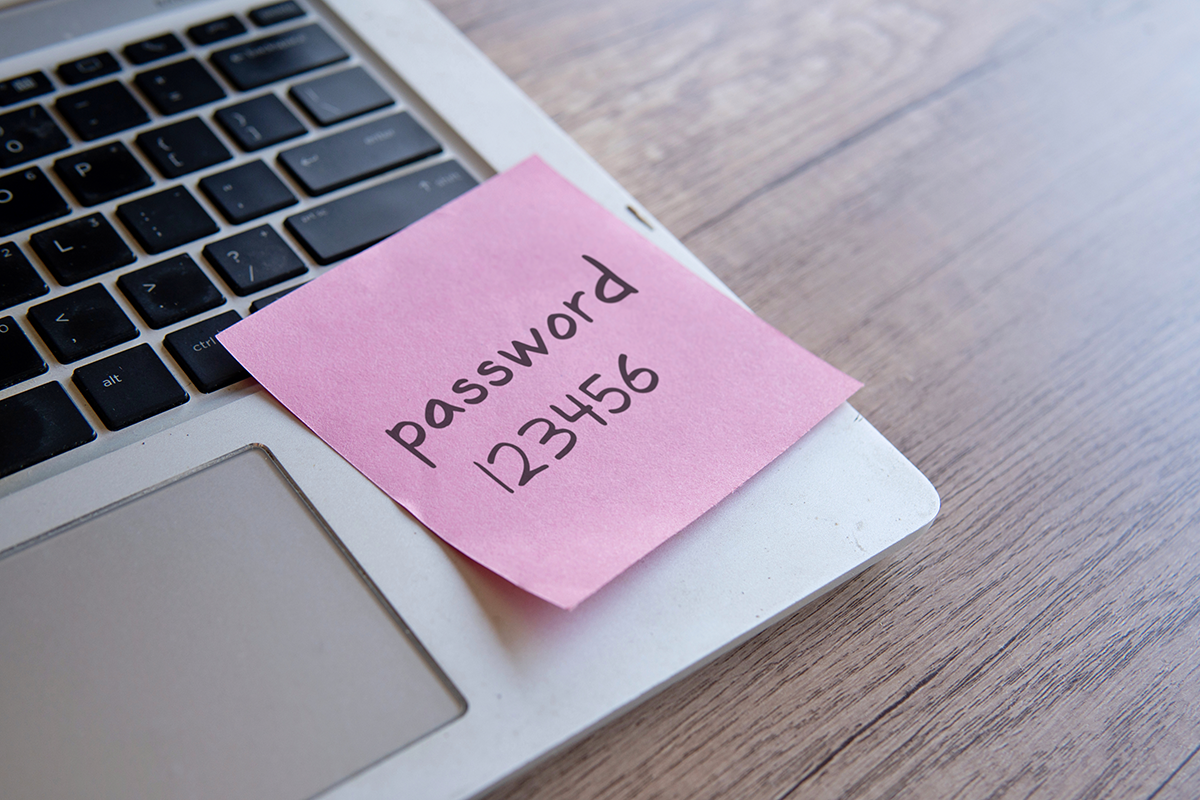
In the early days of digital workplaces, it was common to see passwords scribbled on sticky notes attached to monitors or hidden under keyboards. As businesses have evolved so have the threats. Today’s cybersecurity landscape is more complex than ever. Hackers no longer rely solely on brute force attacks. They use sophisticated phishing strategies, credential stuffing, targeted social engineering, and automated tools that can test millions of stolen credentials in minutes. For business owners, relying on simple password habits is no longer sufficient. If your team still uses easily guessed passwords or reuses the same login across multiple services your business is at risk.
This practical guide dives into modern password security strategies. Whether your business is a small local operation or a growing enterprise, password security practices directly impact your ability to protect sensitive data, comply with regulations, and build trust with customers and partners. We will explore why legacy habits like sticky notes and weak passwords fail in the modern threat environment and how transitioning to secure vaults and advanced tools makes password management scalable, secure, and efficient.
The True Cost of Poor Password Security


Weak passwords and poor password management practices expose businesses to a range of risks. The cost of a data breach can be staggering. It includes lost revenue, reputational damage, potential fines, legal liability, and the time and expense of recovery.
Financial Impacts
Cyber-attacks that exploit weak credentials can lead to unauthorized access to financial systems, theft of funds, or ransomware installation. These events can stall operations and incur direct financial losses.
Reputational Damage
Customers and partners expect businesses to protect their information. A breach linked to poor password security can erode trust and lead to lost business over time.
Operational Disruption
When attackers gain access to internal systems, they can disable services, corrupt data, and disrupt workflows. Recovering from these incidents diverts team resources away from core business priorities.
By understanding these risks, business owners can appreciate that investing in robust password security is a critical component of a broader risk management strategy.
Why Traditional Password Habits Fail
For decades employees have relied on simple password practices that seem convenient but are insecure. Examples include:
Reusing Passwords Across Accounts
Using the same password for multiple services increases exposure. If one account is compromised attackers can use the same credentials to access other systems.
Using Predictable or Weak Passwords
Passwords like “Password123” or “CompanyName2025” can be cracked in seconds with common tools. Predictable patterns offer little resistance against brute force and dictionary-based attacks.

Writing Passwords Down Physically
Sticky notes and notebooks may seem secure, but they are easily found or photographed. Leaving written passwords in workspaces exposes credentials to anyone with physical access.
Storing Passwords in Unsecured Files
Some teams store passwords in spreadsheets or text files. These files are often unencrypted and easy targets if devices are lost or compromised.
These traditional habits create vulnerabilities that attackers exploit. Today’s threats require a shift away from these insecure practices toward modern, scalable password management solutions.
What Modern Password Security Looks Like
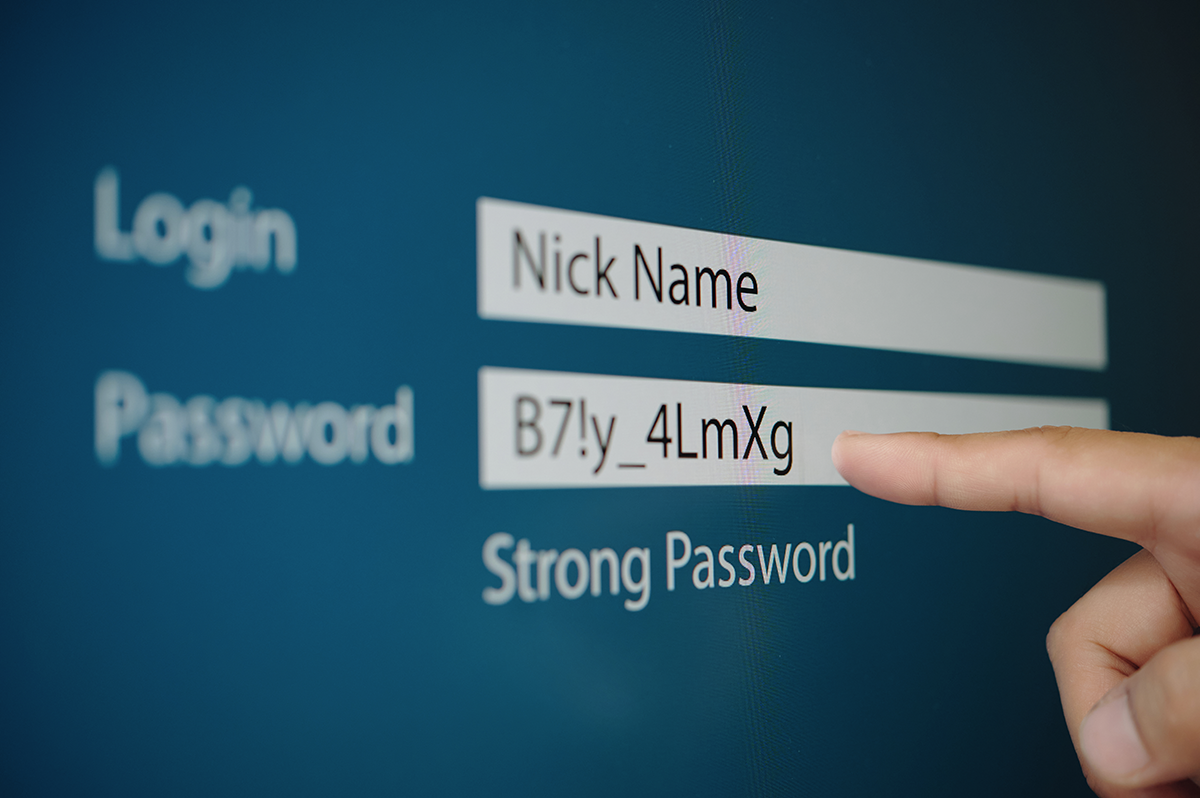
Modern password security combines strong credentials with tools and processes that protect, manage, and monitor user access. Key elements include:
Unique, Complex Passwords
Every account should have a unique password. Complex passwords with a mix of letters, numbers, and special characters resist automated attacks.
Password Vaults and Managers
Password vaults securely store and encrypt login credentials. Users do not need to remember every password. Instead, they unlock the vault with a strong master password, and the vault auto fills credentials securely when needed.
Password vaults simplify password management for businesses of all sizes. They generate strong unique passwords and store them in encrypted form so teams can work efficiently without compromising security.
Multi-Factor Authentication
Multi-factor authentication adds an extra layer of protection beyond passwords. By requiring a second verification factor such as a fingerprint, mobile prompt, or authentication app code businesses can significantly reduce the risk of unauthorized access even if a password is compromised.
Single Sign-On
Single sign-on allows users to access multiple services with one secure login. This reduces password fatigue and limits the number of credentials users must remember or manage.
Monitoring and Alerts
Modern tools monitor for suspicious login attempts, credential leaks, and password reuse across services. Alerts can prompt users and administrators to take action before breaches occur.
Together these strategies build a comprehensive defense that protects accounts and reduces the burden on staff.
Choosing the Right Password Vault
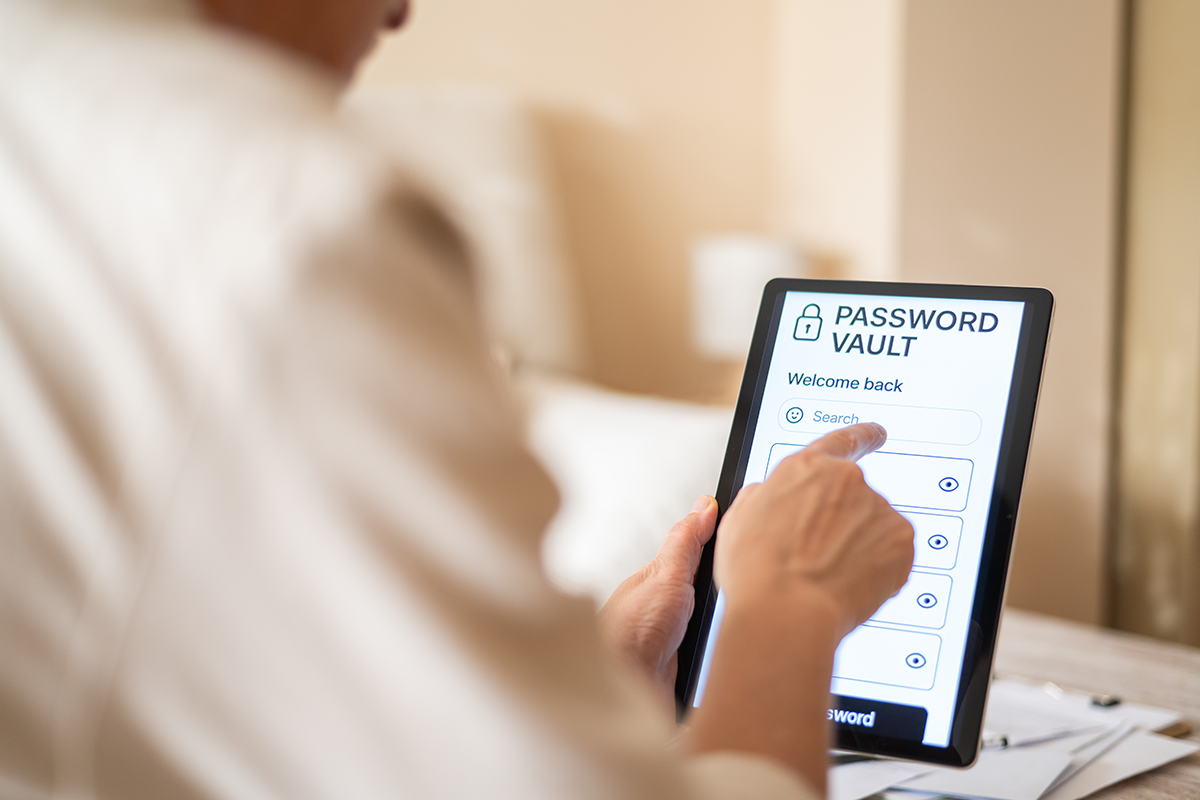
Implementing a password vault is central to modern password security. These tools offer secure storage and access control. When selecting a password vault for your business, consider:
Encryption Standards
Look for vaults that use strong encryption standards like AES 256-bit encryption. This ensures data remains secure at rest and in transit.
Enterprise Features
Business oriented vaults support team sharing, access permissions, account auditing, and role-based access. These features help administrators manage credentials across departments.
Ease of Use
A vault that is easy to adopt encourages team compliance. Intuitive interfaces, browser extensions, and mobile support improve user experience.
Integration with Existing Tools
A password vault that integrates with identity providers and business applications streamlines workflows and improves security.
By choosing the right solution businesses can enforce consistent password policies, track access activity, and minimize administrative overhead.
This shift alone dramatically reduces your cybersecurity risk.
Multi-Factor Authentication Strengthens Security
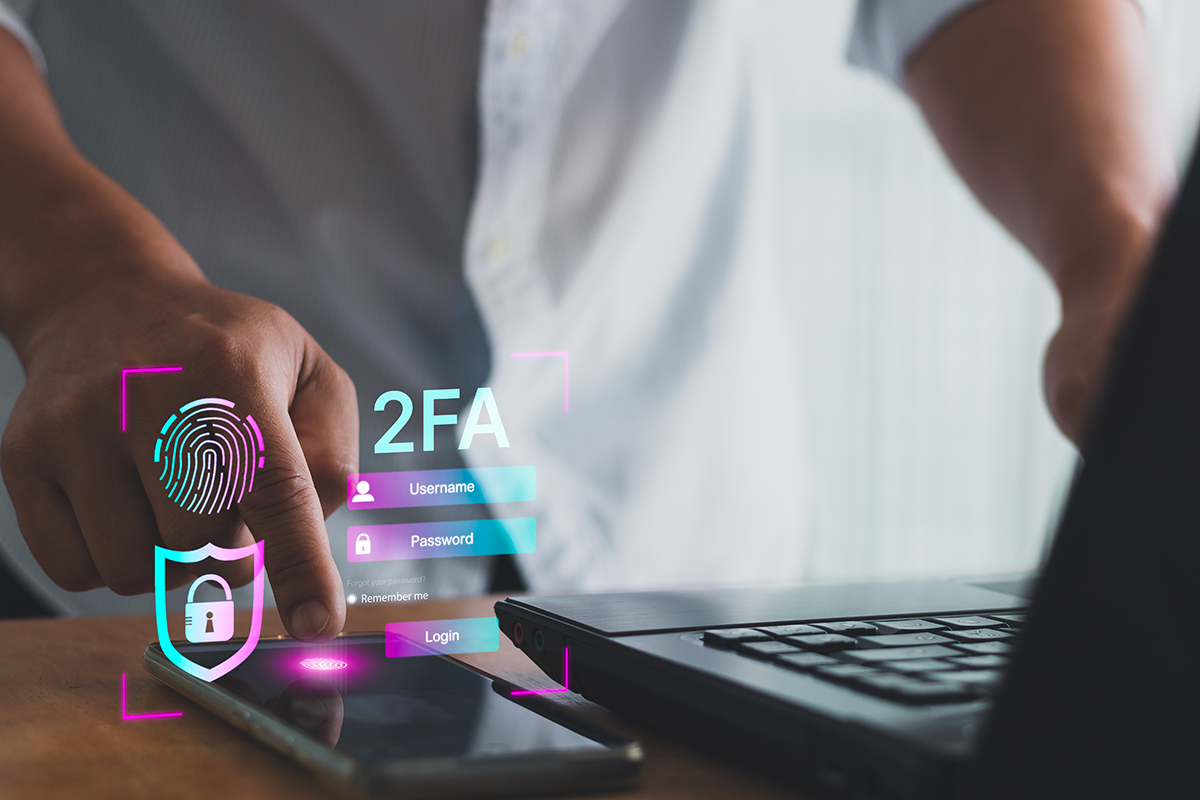
Passwords alone are not enough to stop modern threats. Multi-factor authentication adds verification layers that require something users know (password) and something they have (phone or token) or are (biometric). Common MFA methods include:
Authentication Apps
Apps like Google Authenticator and Microsoft Authenticator generate codes that change frequently and cannot be reused.
SMS Codes
While not the strongest form of MFA due to potential SIM based attacks, SMS codes still provide extra protection.
Hardware Tokens
USB based tokens or FIDO keys offer strong authentication by requiring a physical device for access.
By enforcing MFA across business accounts businesses reduce the risk of unauthorized access even when credentials are compromised.
Training Staff & Promoting Secure Habits
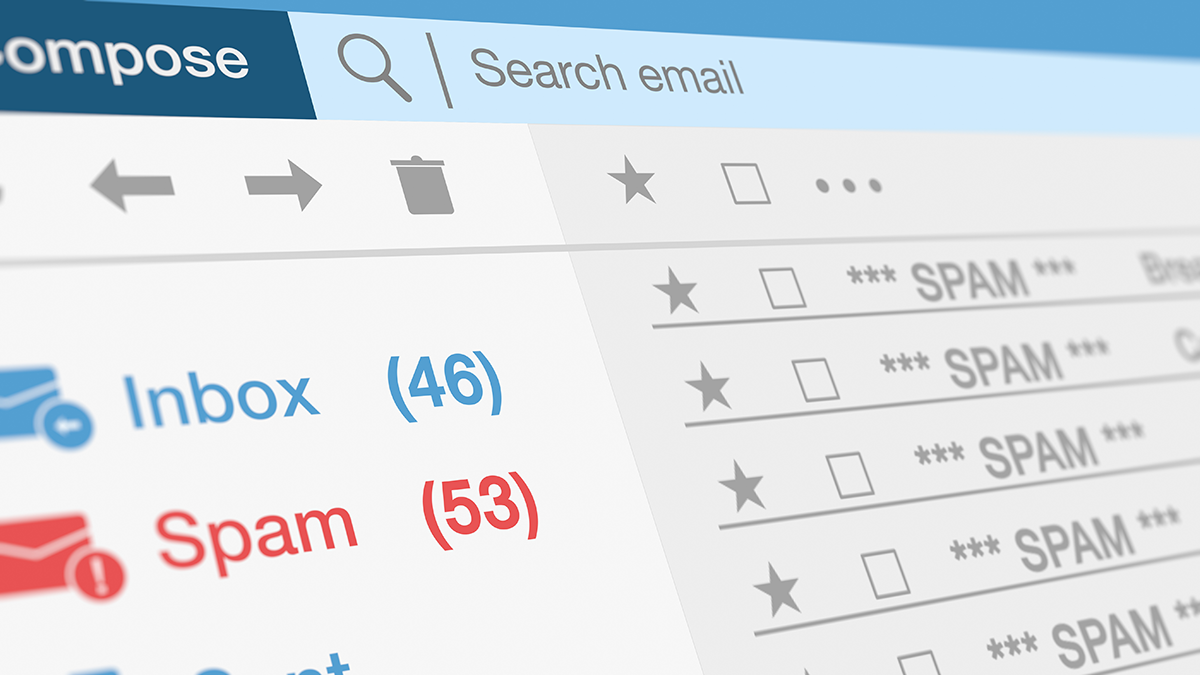
Technology alone does not solve all password security challenges. Human behavior plays a significant role. Educating teams about threats like phishing, social engineering, and credential reuse is vital.
Phishing Awareness
Employees should know how to identify phishing emails that try to steal credentials. Simulated phishing tests and regular training help build awareness.
Regular Password Updates
Even with unique passwords, periodic updates reduce the window of opportunity for attackers if credentials are leaked.
Incident Reporting
Teams should know how to report suspected breaches or unusual login activity immediately. Early detection enables faster response and mitigation.
By promoting secure habits businesses build a culture of security that aligns with protection goals.
How Password Security Impacts Compliance
Many industries have regulatory compliance requirements related to data security. These include standards such as HIPAA, PCI DSS, and others that mandate access controls and credential protection. Implementing modern password management practices helps businesses meet these requirements and demonstrate compliance during audits.
Using password vaults, MFA, and monitoring tools creates documented security processes that align with regulatory expectations. These practices reduce risk and support legal and contractual obligations.
Integrating Password Security into Business IT Strategy
Password security should not be an afterthought. It needs to be part of your broader IT strategy. Business owners should:
Assess Current Practices
Start by understanding how passwords are currently managed across systems and who has access to what.
Define Policies
Set clear policies for password complexity, rotation, vault usage, and MFA enforcement.
Choose Tools
Select secure password vaults and authentication tools that fit your business size and needs.
Educate Teams
Train staff regularly on secure password practices and threat awareness.
Monitor & Review
Continuously monitor access logs, respond to alerts, and review policies regularly to adapt to evolving threats.
By embedding password security into business processes companies strengthen their entire cybersecurity posture.
Partnering with Experts
Implementing strong password security, MFA, and secure vaults can be challenging without expertise. Working with a trusted IT partner like Computer Headquarters helps businesses deploy strategies that align with security goals while minimizing disruption.
Computer Headquarters provides guidance on secure password management, authentication solutions, endpoint protection, network security, and comprehensive IT support. Their team helps businesses assess vulnerabilities, choose appropriate tools, and implement solutions that protect data and systems.
Don’t Learn This the Hard Way

Moving from sticky notes to secure vaults is not just a shift in tools. It is a shift in mindset. Modern password security requires strong unique passwords, secure vaults, multi factor authentication, employee training, and monitoring. These practices protect businesses from credential-based attacks, reduce operational risk, and support compliance with regulatory standards.
Weak password habits expose your business to preventable threats. By adopting modern password management tools and practices, you strengthen your defenses, protect sensitive data, and build confidence with customers and partners.
For help evaluating your password security strategy, implementing best practices, or selecting the right tools, contact Computer Headquarters to secure your business for the challenges ahead.