

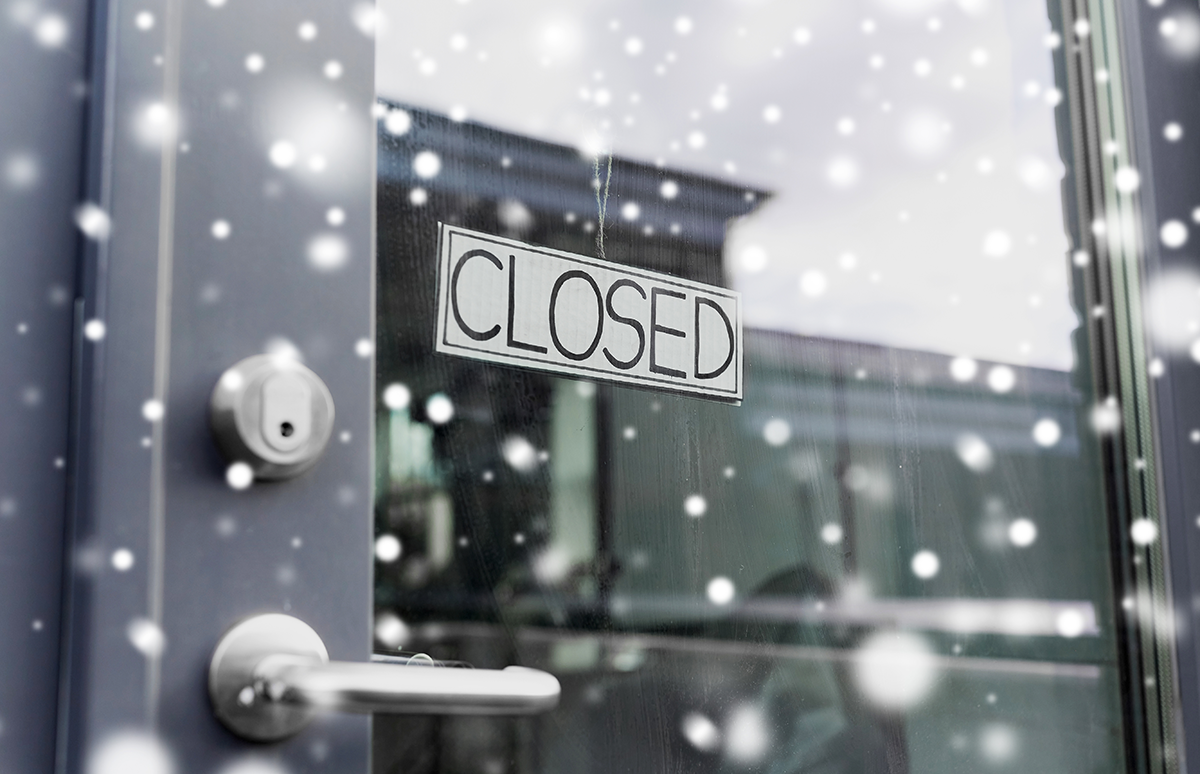
The holidays are a time for connection, celebration, and, if you’re running a business in Ketchikan, a well-deserved break. But before you hang the “Out of Office” sign, there’s one thing you can’t take a vacation from: your technology.
Whether you’re managing a small local shop or a larger operation, your business still relies on secure networks, cloud access, and reliable backups even while the lights are twinkling and the doors are closed. The question is, if something goes wrong while you’re away, will your business stay online?
Here’s how to keep your business connected, protected, and running smoothly through the holiday season.
1. Set Up Smart Remote Access Before You Leave

The ability to log in from anywhere isn’t just convenient, it’s essential. With secure remote access, you can keep an eye on operations, approve last-minute orders, or manage inventory without physically being in the office.
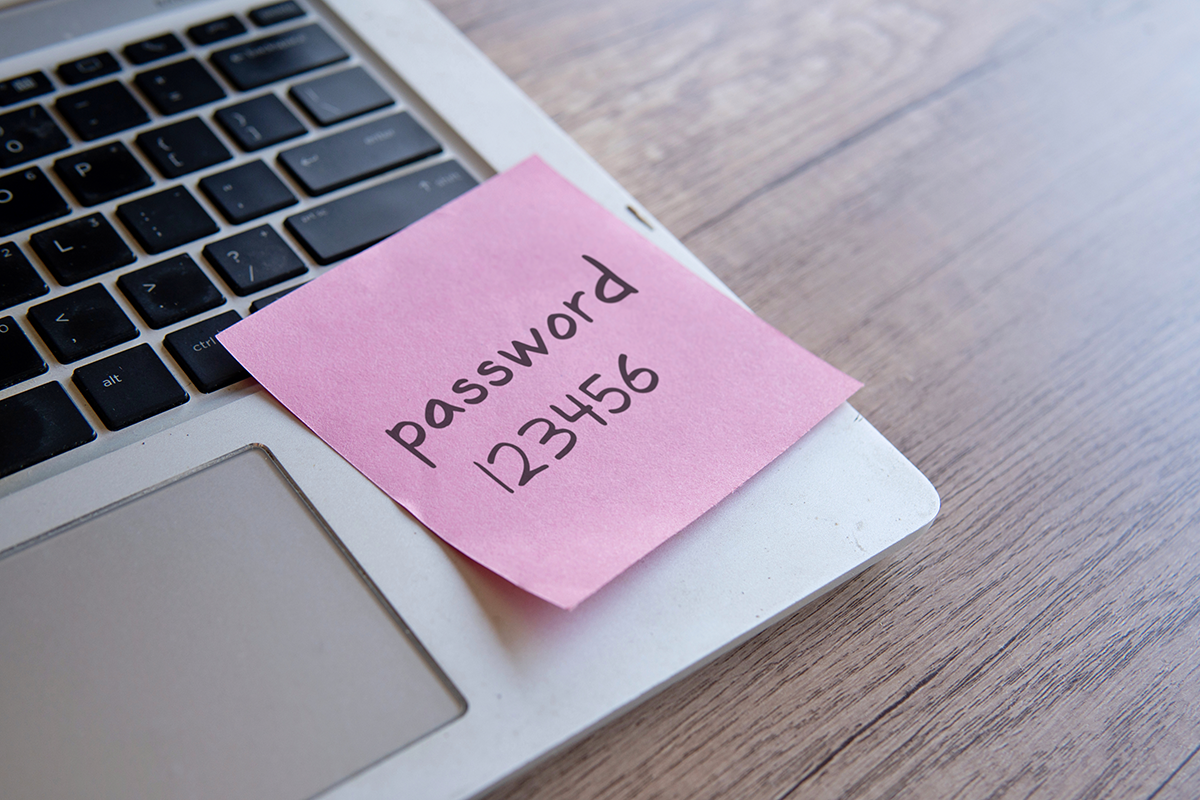
Using tools like Microsoft 365 and SharePoint, CHQ can help your team collaborate and access shared files securely, even from home or while traveling. Just make sure your network permissions are updated, your passwords are unique, and your devices are protected with Multi-Factor Authentication (MFA) before you log off for the holidays.
Important: Never use personal devices to access work accounts unless they’re protected with antivirus software and encrypted connections.
2. Review Your Backup Systems (and Test Them)
Imagine coming back after New Year’s only to find your system crashed and your data is gone. Unfortunately, this happens more often than most small businesses realize, especially in regions like Ketchikan, where weather, power outages, and remote connectivity can add extra risk.
Before you go on break:
- Verify your data backups are complete and up-to-date.
- Store copies both in the cloud and on secure physical drives.
- Test your restore process. Don’t just assume it works.
CHQ offers managed backup and recovery solutions tailored to local businesses in Southeast Alaska, ensuring that if disaster strikes, you can recover quickly and get back to work without skipping a beat.
3. Watch Out for Holiday Cyber Scams

The holidays bring out the best in people and the worst in hackers. Phishing emails disguised as shipping confirmations, fake invoices, or donation requests are especially common in December.
Train your employees to:
- Avoid clicking on suspicious links.
- Verify senders before downloading attachments.
- Report unusual account activity immediately.
With CHQ’s managed cybersecurity services, you get continuous monitoring that flags suspicious behavior before it becomes a problem. Even when you’re offline, your business stays under a digital watchful eye.
4. Schedule Automatic Updates and Patches
Technology doesn’t take holidays, and neither do security vulnerabilities. If your systems aren’t updated regularly, you’re leaving open doors for hackers and software issues to creep in while you’re away.
Enable automatic updates for operating systems, applications, and antivirus software. If you’re unsure what needs to be patched, CHQ can run a pre-holiday IT audit to make sure every part of your network is current, stable, and ready to withstand downtime.
Tip: Schedule updates during your business closure so they don’t interrupt productivity when you return.
5. Plan for Power Outages and Internet Downtime

Winter in Ketchikan can be unpredictable. Power outages and connectivity issues are common, and they don’t care about your business hours.
If your business relies on constant uptime, like point-of-sale systems or inventory tracking, make sure you have:
- Battery backup (UPS) units for your workstations and servers.
- A plan for safely shutting down critical systems.
- Remote alerts in place to notify you of any outages.
CHQ can help you choose and install Uninterruptible Power Supply (UPS) systems that keep your equipment safe and stable until power returns.
6. Communicate Your “Out of Office” Securely
Before setting up your auto-reply, make sure you’re not oversharing. A simple message like, “I’m out of the office until January 3rd” is fine, but don’t mention travel details or company-wide closures publicly. Cybercriminals look for that kind of information to time attacks or scams.
If you use Microsoft Outlook or Teams, CHQ can help you configure smart out-of-office replies that route urgent requests to a designated on-call staff member or monitored support inbox, keeping communication professional and secure.
7. Use Cloud Storage to Keep Collaboration Flowing

The beauty of cloud-based systems like Microsoft SharePoint and OneDrive is that your data stays accessible no matter where you are. With properly configured permissions, your team can continue working on shared documents, track changes, and sync updates in real time.
This also means you won’t have to worry about lost files or missed deadlines if someone needs access while you’re offline.
Cloud storage isn’t just convenient, it’s an insurance policy for continuity.
8. Monitor Your Network While You’re Away
A managed IT provider doesn’t take holidays. Our monitoring tools run 24/7, detecting and resolving potential issues before they impact your business.
If your server starts acting up on Christmas Eve, or a network device goes offline during a storm, we’ll know before you do and start addressing it right away.
That’s the peace of mind that comes with Managed IT Services tailored for Ketchikan businesses.
9. Prepare for the New Year with a Tech Refresh
The downtime between Christmas and New Year’s is a great time to prepare your business for the year ahead. Evaluate what worked, what didn’t, and what needs upgrading.
Ask yourself:
- Are your workstations running slow?
- Do you have enough cloud storage?
- Is your antivirus software current?
- Are employees trained in cybersecurity best practices?
CHQ can perform a New Year IT Checkup to assess hardware performance, software licensing, and network health and set your business up for success in 2026.
10. Partner with a Local IT Team That’s Always On
When your IT is managed locally, you’re never truly “out of luck.” CHQ isn’t just a remote helpdesk, we’re a Ketchikan-based team that understands the unique challenges of operating in Southeast Alaska.
From power instability to limited-service providers, we’ve built solutions around the realities of living and working here. Whether it’s maintaining uptime, securing your systems, or ensuring data recovery after a storm, we’ve got you covered.
Ready to Relax This Holiday Season?

Don’t let IT worries steal your Christmas spirit. Prepare your business before the holidays hit and enjoy peace of mind knowing your network, data, and devices are safe.
Contact Computer Headquarters today to schedule your Holiday IT Readiness Check. Because while you’re taking a break, your technology should be working overtime to keep everything running smoothly.