



Remember back in June when your POS system froze during a rush and you told yourself, “I’ll deal with that after the season”? Or when your Wi-Fi dropped for the third time that week and you just restarted the router and moved on because there wasn’t time to stop? That list of “I’ll fix it later” tech problems has been quietly piling up all summer. Later is now.
Tourism season in Southeast Alaska is short, intense, and unforgiving. When the ships are in and the storefront is packed, there’s no time to troubleshoot a slow network or dig into why your booking system keeps hiccupping. So, you patch it, restart it, or just push through. The actual problem never gets solved. Now that the season is winding down, you finally have the breathing room to fix it right, before it quietly becomes next year’s problem too.
Here’s how to use this window before next season sneaks up on you again.
Why the End of Season Is the Best Time to Fix Tech Problems
During peak season, every hour of downtime is a direct hit to revenue, which means IT issues get band-aided instead of actually resolved. The end of the season flips that equation entirely.
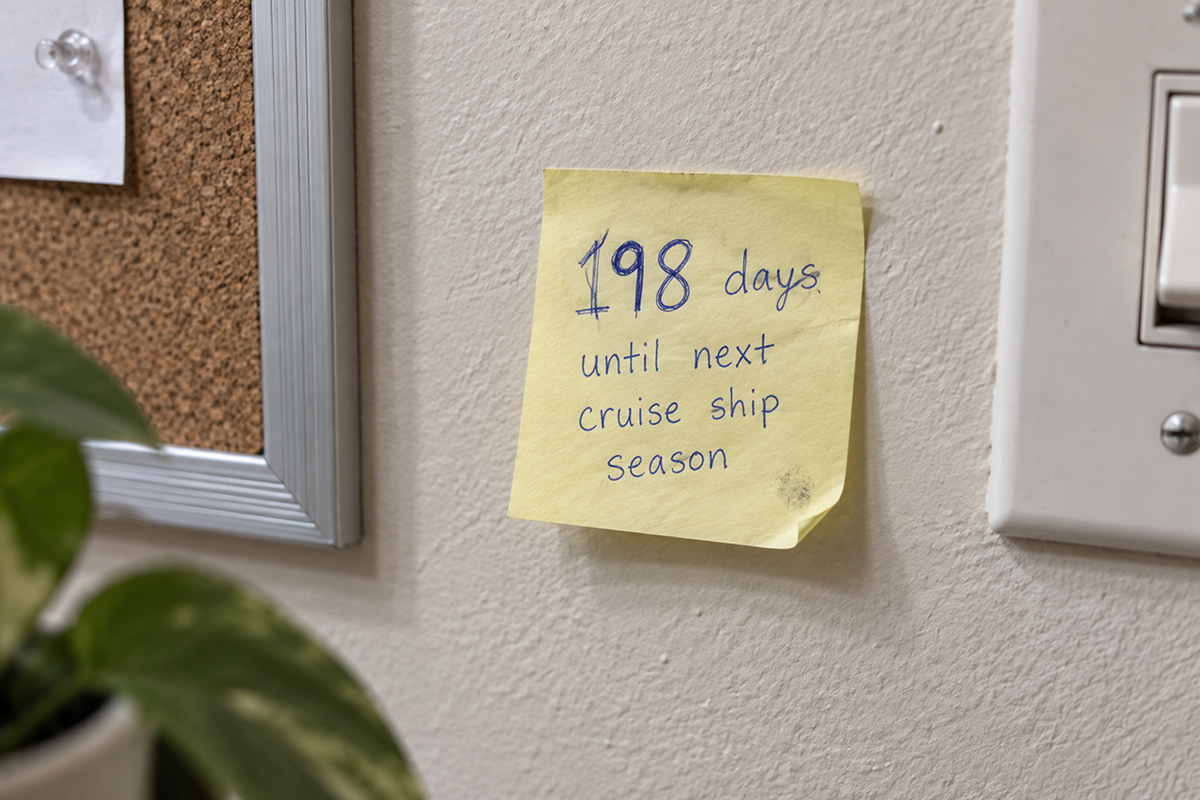
Here’s why now is the right window:
- You have breathing room. Fewer customers and lower daily pressure mean your systems can be worked on, tested, and even taken offline briefly without costing you a rush of business.
- The problems are still fresh. You remember exactly what broke, when, and how often, which makes diagnosing the real issue far easier than trying to recall it months from now.
- You have time before next season, not days. Fixing something properly, rather than with a quick patch, often takes more than an afternoon. Right now, you actually have that time.
- It’s the perfect moment to plan ahead, not just fix what broke, but put better systems in place so next season starts strong instead of picking up where this one left off.
Waiting until next spring means scrambling to fix the same problems under the same time pressure, and by then you’ll have forgotten half of what actually went wrong.
The Tech Problems Southeast Alaska Businesses Push Through All Summer
If any of these sound familiar, you’re far from alone. These are some of the most common issues we see businesses white-knuckle their way through during peak season.

Common problems that get “handled” instead of fixed:
- Slow or unreliable Wi-Fi during high customer volume, especially when multiple devices, POS systems, and guest networks are all competing for the same bandwidth
- POS and payment processing hiccups that get blamed on “just having a bad day” rather than an actual underlying network or hardware issue
- Booking or reservation system glitches that cause double-bookings, missed appointments, or customer frustration during the busiest weeks of the year
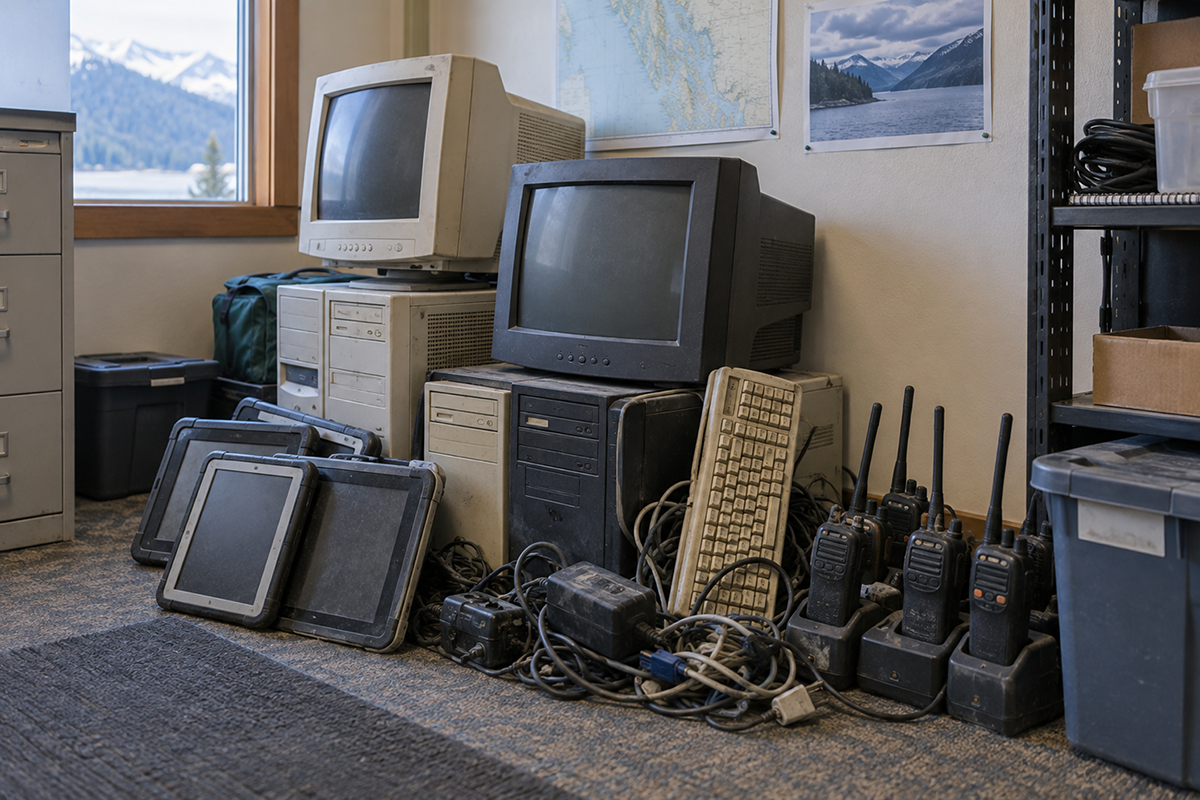
- Outdated or overloaded hardware: computers, tablets, or point-of-sale terminals that were already slow in June and only got worse as the season wore on
- Security shortcuts taken under pressure, like shared logins for seasonal staff or skipped software updates because there was never a “good time” to do them
- Backup and data concerns that got pushed aside because there simply wasn’t time to verify everything was actually being backed up correctly
None of these are dramatic on their own in the moment. But stacked together over a full season, they represent real risk and real inefficiency that’s been quietly tolerated rather than solved.
What Happens If You Don't Fix Them Now
It’s tempting to let the off-season be a true break and put technology out of mind until next year. But problems that go unaddressed after the season don’t disappear. They just wait.
What typically happens if these issues carry over:
- The same problems resurface next season, at the exact moment you can least afford downtime
- Small issues compound: outdated hardware gets older, unpatched software falls further behind, and security gaps stay open longer
- You lose the institutional memory of what actually went wrong, making it harder to diagnose next time
- You miss the opportunity to plan and budget for upgrades before next season’s demand hits, instead scrambling reactively once it’s already underway
The businesses that show up strongest next tourism season aren’t the ones who got lucky. They’re the ones who used this exact window to actually fix what they’d been working around all summer.
Your Post-Season Technology Checklist
The businesses that show up strongest next tourism season aren’t the ones who got lucky. They’re the ones who used this exact window to actually fix what they’d been working around all summer.
Start with these steps:
- Document what went wrong. Write down every tech issue you remember from the season, even the small ones. This becomes your fix-it list and your case for any needed upgrades.
- Review and clean up seasonal staff access. Deactivate accounts, remove shared logins, and make sure nothing from this summer’s crew is still active.
- Have your network properly assessed. A real diagnostic can identify whether slow Wi-Fi was a bandwidth issue, an equipment issue, or something else entirely, instead of guessing.
- Evaluate aging hardware. Decide now what needs to be replaced or upgraded before next season, rather than discovering it’s failed during a busy Saturday next June.
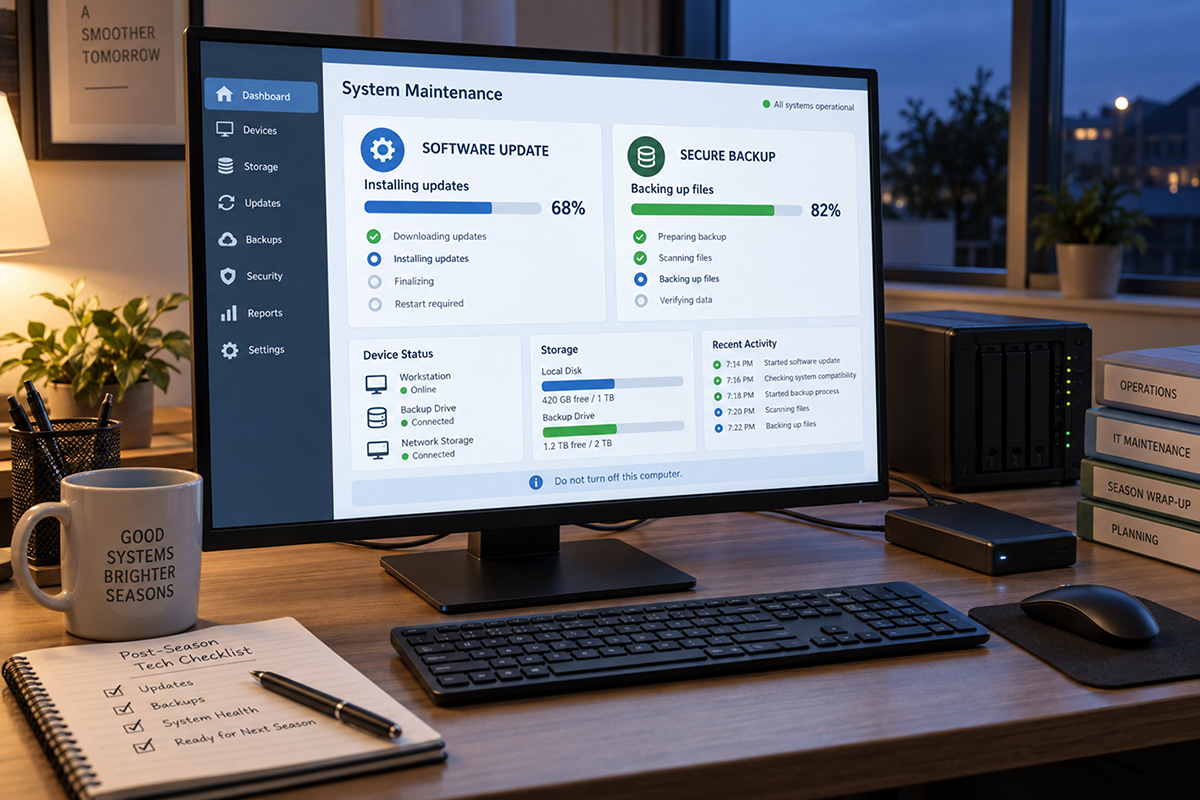
- Verify your backups are actually working. Don’t assume. Confirm that your data was being backed up correctly and could be restored if needed.
- Update software and close security gaps that got skipped under time pressure during the rush.
Tackled individually, this list is manageable. Left until next spring, it becomes a scramble against the same deadline pressure you were trying to avoid this time around.
How Computer Headquarters Helps Southeast Alaska Businesses Reset After the Season
This is exactly the kind of work we help local businesses tackle every fall. We understand the specific rhythm of Southeast Alaska’s tourism economy: the intensity of the season, the way problems get patched instead of solved, and the narrow window available to actually fix things before next year’s rush arrives.
Our post-season support includes:
- Full network and hardware assessments to diagnose the real cause behind this season’s slowdowns and glitches
- Cleanup of seasonal staff access and security gaps that built up under time pressure
- Backup verification and cloud solutions you can actually count on
- Hardware and infrastructure planning, so upgrades happen on your timeline, not in a panic next summer
- Proactive, ongoing IT management, so next season starts on solid footing instead of picking up this year’s unresolved issues
We work with tour operators, retail shops, restaurants, and hospitality businesses across Southeast Alaska every off-season to turn “we’ll deal with it next year” into problems that are actually behind them.
Don't Let This Season's Problems Become Next Season's Emergency
The tech issues you pushed through this summer aren’t going to fix themselves over the winter. They’ll be waiting, unchanged, right up until the moment next season’s pressure makes them urgent again. The difference between businesses that struggle with the same problems every year and ones that don’t usually comes down to whether they used this exact window to actually deal with it.
Ready to fix what you put off all summer? Contact Computer Headquarters today for a post-season technology assessment before next year’s rush sneaks up on you.