


Email is still the backbone of daily business communication. Quotes, invoices, customer conversations, internal updates, and vendor coordination all flow through your inbox. That also makes email one of the easiest ways for attackers to get in.
Suspicious emails are no longer obvious. They look real. They sound urgent. And they’re designed to trick busy people into clicking, downloading, or replying without thinking twice.
The good news is this. Most email threats follow patterns. Once you know what to look for and how to respond, you can drastically reduce your risk.
This guide breaks it down in plain terms so you and your team can spot suspicious emails quickly and handle them the right way.
What Is a Suspicious Email?
A suspicious email is any message that tries to trick you into doing something unsafe, such as:
- Clicking a malicious link
- Downloading an infected attachment
- Sharing login credentials or sensitive information
- Sending money or changing payment details
These emails often fall under phishing, but they can also include spoofed messages, fake invoices, or impersonation attempts.
They don’t always look suspicious at first glance. That’s what makes them dangerous.
Why Businesses Are Easy Targets
Most attacks are not aimed at big corporations. They target everyday businesses because:
- Employees are busy and moving quickly
- Seasonal or new staff may not be trained
- Email is trusted as a primary communication tool
- One mistake can lead to access across systems
For businesses in tourism-heavy or seasonal markets, the risk increases during peak hiring periods when new users are added quickly.
Common Signs of a Suspicious Email
Here are the most reliable red flags to watch for.
- Urgency or Pressure
Attackers want you to act fast without thinking.
Examples:
“Your account will be locked today”
“Immediate action required”
“Payment overdue, respond now”
If an email pushes urgency, slow down.
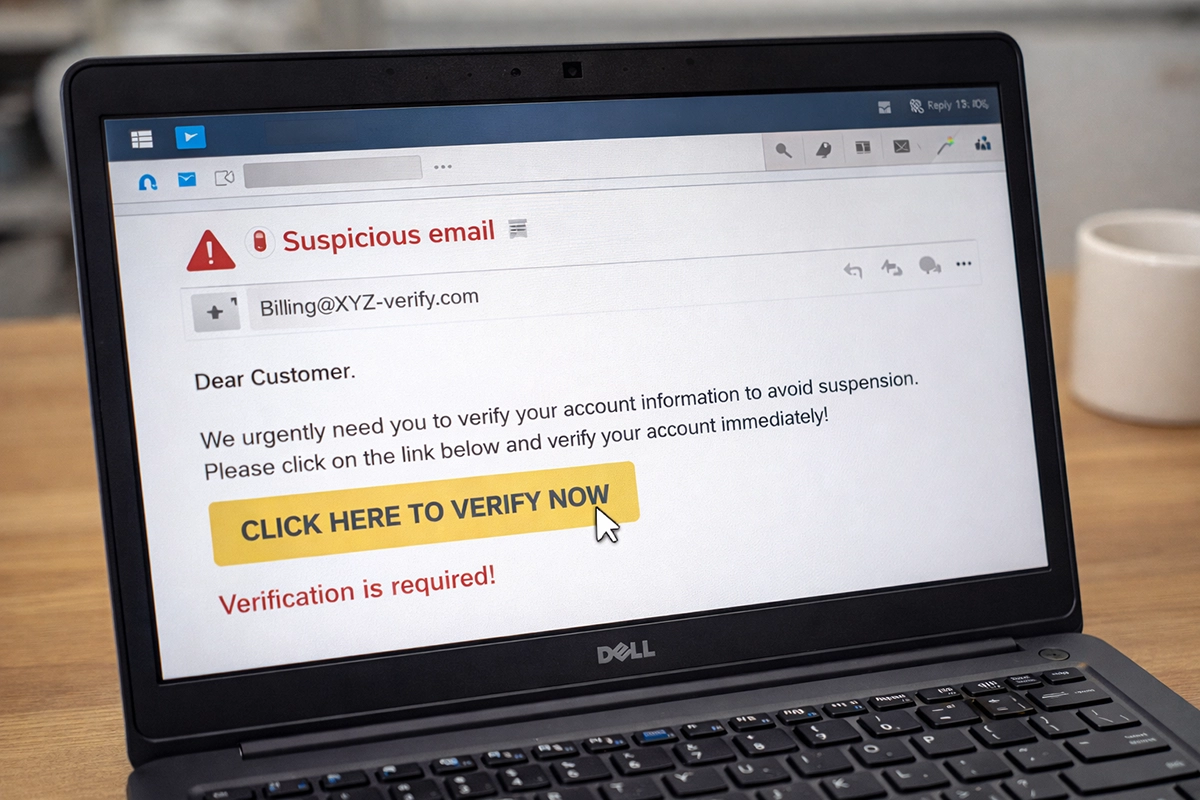
2. Strange or Mismatched Sender Addresses
The name might look familiar, but the email address tells the truth.
Watch for:
- Misspellings (micros0ft.com instead of microsoft.com)
- Extra characters or domains
- Personal email addresses posing as business contacts
Always check the full sender address, not just the display name.
3. Unexpected Attachments or Links
If you weren’t expecting it, don’t trust it.
Common traps:
- “Invoice attached” when you weren’t billed
- Shipping notices you didn’t request
- Password reset links you didn’t initiate
Hover over links before clicking. If it looks off, don’t click.
4. Requests for Sensitive Information
No legitimate company will ask for passwords or sensitive data over email.
Be cautious of:
- Login requests
- Payment changes
- Requests for employee or customer data
When in doubt, verify through another channel.
5. Poor Grammar or Unusual Tone
Not always present, but still a clue.
Look for:
- Awkward phrasing
- Inconsistent tone
- Messages that don’t match how the sender normally communicates
6. Too Good to Be True” Offers
Free money, refunds, or prizes are classic bait. If it sounds too good to be true, it usually is.
Real-World Examples Businesses See Every Day
Understanding how these emails show up in real situations helps your team recognize them faster.
- A “vendor” emails updated payment instructions for an invoice
- A “manager” asks for gift cards urgently
- A “Microsoft alert” asks you to re-enter your password
- A “customer” sends a file that installs malware when opened
These are not rare. They happen daily across businesses of all sizes.
What to Do When You Receive a Suspicious Email
Knowing what to look for is only half the battle. Knowing what to do next is just as important.
Step 1: Do Not Click Anything
No links. No attachments. No replies. Pause before interacting
Step 2: Verify the Source
If the email appears to be from someone you know:
- Call them directly
- Use a known contact method
- Do not reply to the email itself
Step 3: Report It
Every business should have a simple reporting process.
Options include:
- Forwarding to your IT provider
- Using built-in “Report Phishing” tools
- Alerting a manager or admin
The faster it’s reported, the faster it can be addressed.
Step 4: Delete the Email
Once confirmed as suspicious, remove it from your inbox and trash.
Step 5: If You Clicked Something, Act Fast
Mistakes happen. What matters is response time.
Immediately:
- Disconnect from WiFi or network if possible
- Notify your IT provider
- Change passwords from a secure device
Fast action can prevent a small issue from becoming a major problem.
Simple Ways to Reduce Risk Across Your Business
You don’t need complicated systems to improve email security. Start with these basics.
Train Your Team
Even a short training session can make a big difference.
Focus on:
- Recognizing red flags
- Knowing how to report suspicious emails
- Encouraging a “pause before click” mindset
Use Multi-Factor Authentication
Even if credentials are stolen, MFA adds a second layer of protection.
Limit User Access
Not every employee needs access to everything.
Reducing access limits the damage if an account is compromised.
Keep Systems Updated
Outdated software can create vulnerabilities that attackers exploit.
Use Email Filtering and Security Tools
Modern email security solutions can catch many threats before they reach inboxes.
Why Email Security Matters More Than Ever
One suspicious email can lead to:
- Data breaches
- Financial loss
- Downtime and lost productivity
- Damage to your reputation
And most of these incidents start with a simple click. The goal isn’t perfection. It’s awareness and response.
How Computer Headquarters Can Help
At Computer Headquarters, we work with businesses across Southeast Alaska to strengthen their email security and reduce risk.
We help with:
- Email security setup and monitoring
- Phishing protection and filtering tools
- Employee training and best practices
- Multi-factor authentication implementation
- Password access and management tools
- Ongoing IT support and risk management
Our approach is simple. Make security practical, understandable, and effective for real businesses. If you’re unsure whether your current setup is protecting you, we can help assess your risk and put the right protections in place.
The Bottom Line for Business Owners
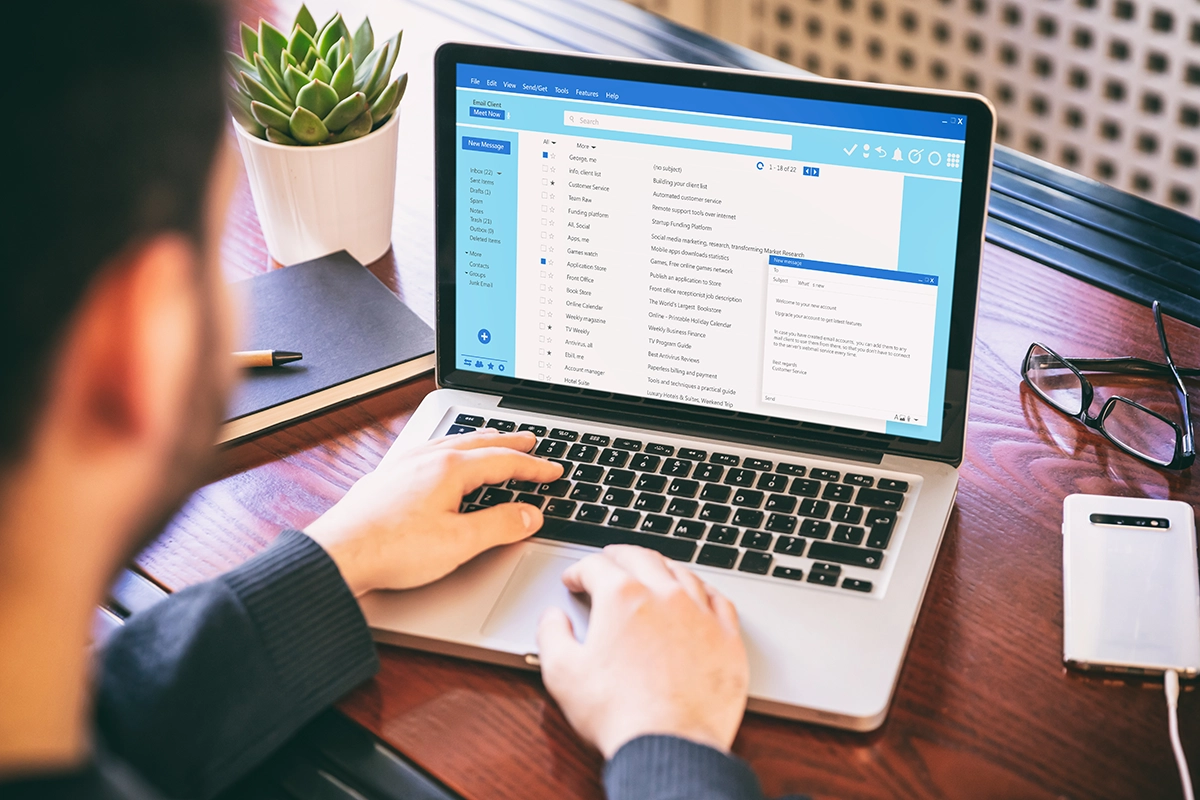
Suspicious emails are not going away. They are getting better, more convincing, and more targeted. But most attacks still rely on one thing. A quick click without a second thought.
If you and your team know what to look for and what to do, you can stop most threats before they cause damage. Start with awareness. Build simple habits. Put the right protections in place.
And if you need help, contact Computer Headquarters to make it easy.