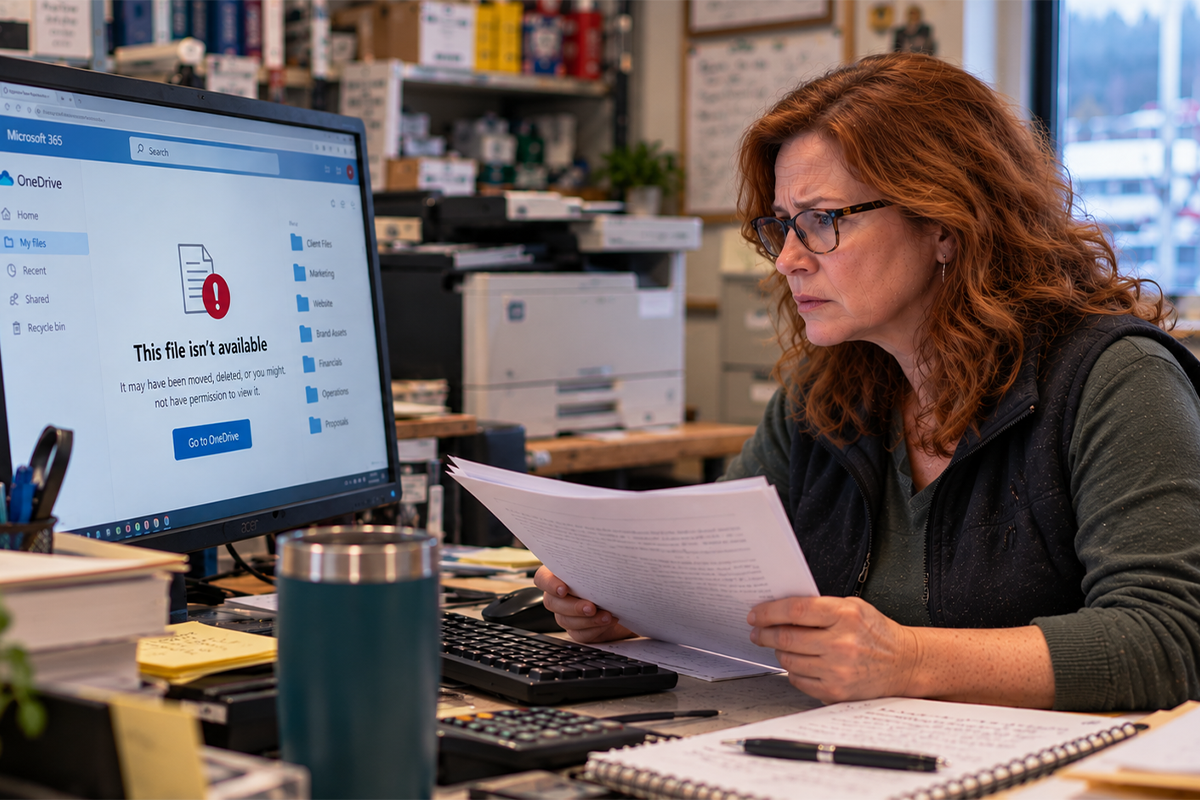



Here’s a question worth asking yourself right now, before anything goes wrong: if your business lost every file on its network today (right now, this second), how far back could you actually restore your data?
A day? A week? A month? Or would you be starting from scratch?
Most Ketchikan and Southeast Alaska business owners assume the answer is “we’re covered” without actually knowing what that means. They know backups are happening somewhere, in some form, on some schedule. But “we have backups” and “we can actually recover what we need, when we need it” are two very different things, and the gap between them is where businesses get blindsided.
"We Have Backups" Isn't the Same as "We Can Recover"
Almost every business has some form of backup running. A cloud sync. An external hard drive. A backup feature bundled into their accounting software. Something is technically happening in the background, and that gives owners a false sense of security.
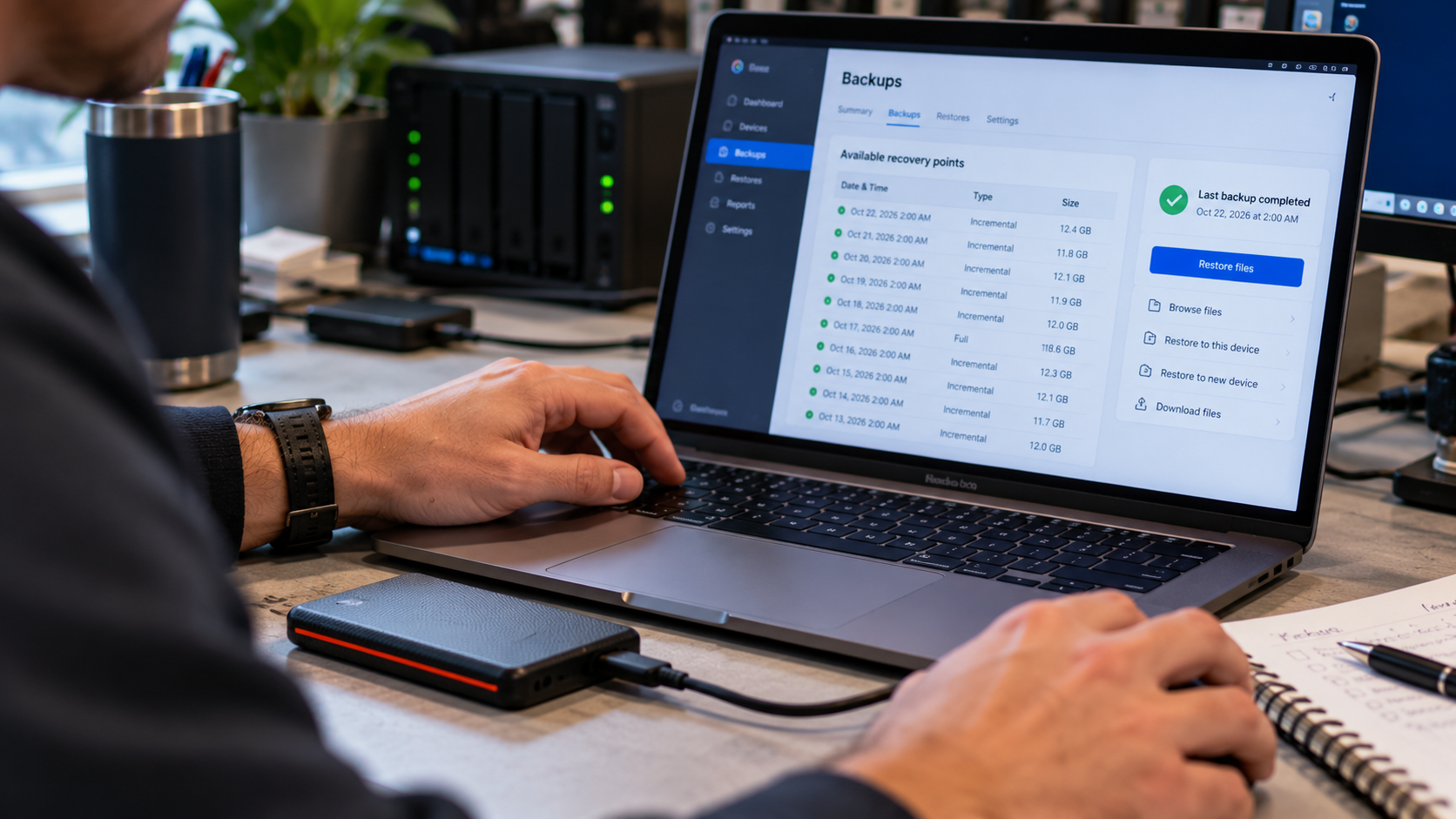
But a backup is only as good as its ability to actually restore your business to a working state, and that depends on several things most owners never think to check:
- How often is data actually being backed up? Nightly? Weekly? Continuously? If your last backup ran a week ago and something happens today, you just lost a week of invoices, client records, project files, or transaction history.
- How far back does your backup history go? Can you only restore yesterday’s version, or can you go back 30, 60, 90 days if you discover a problem that’s been quietly corrupting files for weeks?
- Has anyone actually tested a restore? A backup that’s never been tested is a backup you’re only hoping Plenty of businesses discover their backup was incomplete, corrupted, or silently failing for months, but only after they desperately need it.
- Where does the backup live? If your only backup is stored on the same network, server, or physical location as your original data, a single event (fire, flood, ransomware, hardware failure) can take out both at once.
If you can’t confidently answer these questions, you don’t actually have a backup plan. You have a backup hope.
Why This Matters More in Southeast Alaska Than Most Places

Every business, everywhere, needs reliable backups. But a few realities specific to operating in Ketchikan and the surrounding region make this an even higher-stakes issue:
Limited local IT infrastructure and support. If something goes wrong with your data, you can’t always just drive across town to a dozen different IT providers who can jump in immediately. Recovery windows can be longer here, which makes having a solid backup system, one that doesn’t require emergency intervention to function, even more important.
Seasonal business cycles. Many Southeast Alaska businesses run on tight seasonal windows tied to tourism, fishing, or cruise traffic. Losing weeks of data (bookings, client records, financials) during a critical operating season can be far more damaging than the same loss during a slow month.
Weather and power reliability. Storms, outages, and connectivity issues are simply more common in this region than in many parts of the Lower 48. A backup system that depends on perfect, uninterrupted conditions to run successfully is a backup system that’s going to fail you exactly when you need it most.
Physical isolation. If local hardware fails and replacement parts or specialists have to be flown or shipped in, recovery timelines stretch. The businesses that recover fastest are the ones whose backups don’t depend on a quick fix. They already have a clean, current copy of their data ready to restore from.
What Can Actually Wipe Out Your Data

It’s easy to assume data loss means something dramatic: a fire, a flood, a stolen laptop. In reality, most data loss events are far more mundane, and far more common, than business owners expect:
- Hardware failure. Hard drives and servers fail. It’s not a matter of if, but when.
- Ransomware and cyberattacks. Increasingly common for small and mid-sized businesses, who often assume (incorrectly) that they’re too small to be a target.
- Human error. Accidental deletion, an overwritten file, a botched software update. This is one of the single most common causes of data loss, and it’s rarely dramatic. It just quietly erases something important.
- Software corruption. A bad update or a corrupted database can silently damage files over time, meaning the problem may already be baked into your “recent” backups before anyone notices.
- Theft or physical damage. Laptops get stolen. Water damage happens. Equipment gets dropped.
None of these require a catastrophe to be devastating. A single employee accidentally deleting the wrong folder, or a ransomware attack encrypting your files overnight, can be just as damaging as a fire if your backup system isn’t built to recover from it.
The Real Cost of Discovering Your Backup Doesn't Work
The worst time to find out your backup strategy has a gap is during an actual emergency. By then, it’s too late to fix it. You’re stuck with whatever version of your data you can actually recover, if any.
Here’s what that gap typically costs a business:
- Lost productivity while staff scramble to reconstruct records, re-enter data, or simply figure out what’s missing
- Lost revenue during the downtime it takes to get systems back up and running
- Lost client trust, especially if the data involved included client records, orders, or financial information
- Direct financial cost of emergency data recovery services, which are far more expensive (and far less reliable) than restoring from a properly maintained backup
- Compliance and legal exposure, particularly for businesses in healthcare, financial services, or legal industries where data retention isn’t optional
A well-designed backup system isn’t just an IT checkbox. It’s business insurance, and like any insurance, its real value only becomes obvious the moment you need to use it.
What a Real Data Protection Strategy Looks Like
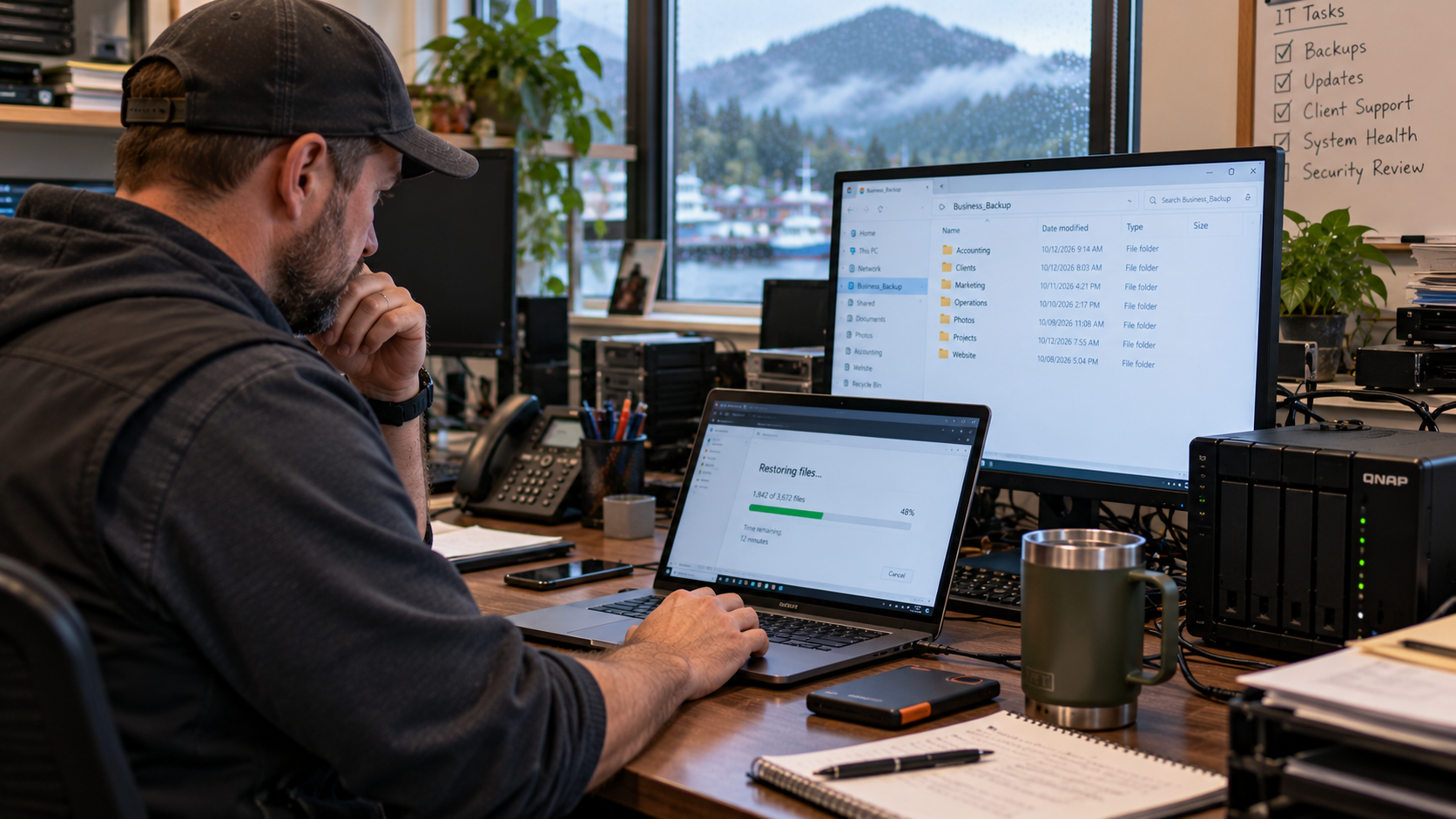
A backup strategy that will actually save your business when something goes wrong typically includes a few key components working together:
Automated, frequent backups.
Manual backups get forgotten. A reliable system runs automatically on a schedule frequent enough that you’re never at risk of losing more than a few hours’ worth of work.
Multiple recovery points.
Instead of just one recent copy, a strong backup system keeps a history of daily, weekly, and monthly restore points, so you can go back further if a problem (like corrupted files or a slow-moving ransomware infection) isn’t caught right away.
Offsite and/or cloud storage.
Your backup should never live only where your original data lives. If both are wiped out by the same event, you don’t actually have a backup. You have a second copy of the same risk.
Regular restore testing.
A backup should be tested periodically to confirm it actually works, not assumed to work because it’s “running.” Testing is the difference between confidence and a nasty surprise.
A documented recovery plan.
Everyone on your team should know what to do, who to call, and how quickly systems can realistically come back online if something happens. Recovery shouldn’t depend on figuring it out in the moment.
Ask Yourself This Today
Before you close this page, take thirty seconds to genuinely answer:
If you lost everything on your network right now, how far back could you actually restore, and how confident are you that the restore would actually work?
If you hesitated, or the honest answer is “I’m not sure,” that’s not a reason to panic. It’s a reason to get it checked before it becomes a real problem.
Let Computer Headquarters Take the Guesswork Out of Data Protection
At Computer Headquarters, we help Southeast Alaska businesses build data protection strategies that actually hold up when it matters: automated backups, multiple recovery points, offsite storage, and systems that are tested, not just assumed to work. Whether you already have a backup system you want evaluated or you’re starting from zero, we’ll make sure the answer to “how far back can you restore?” is one you’re actually confident in.
Schedule a free consultation today, and let’s find out exactly where your business stands.