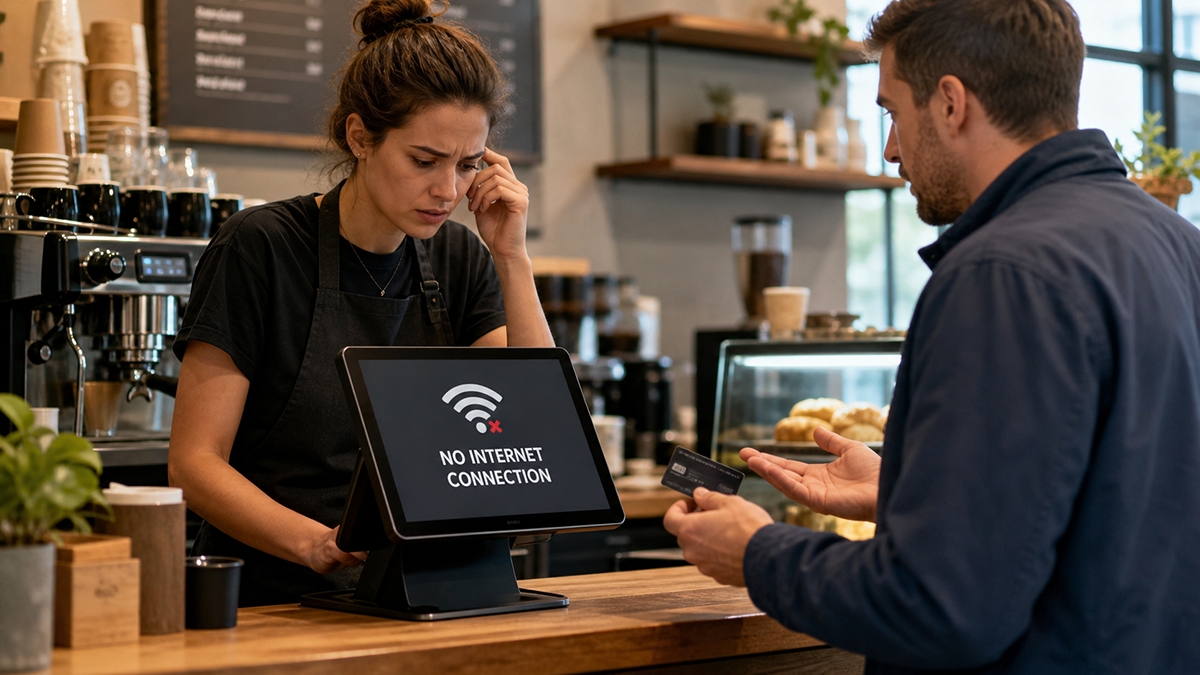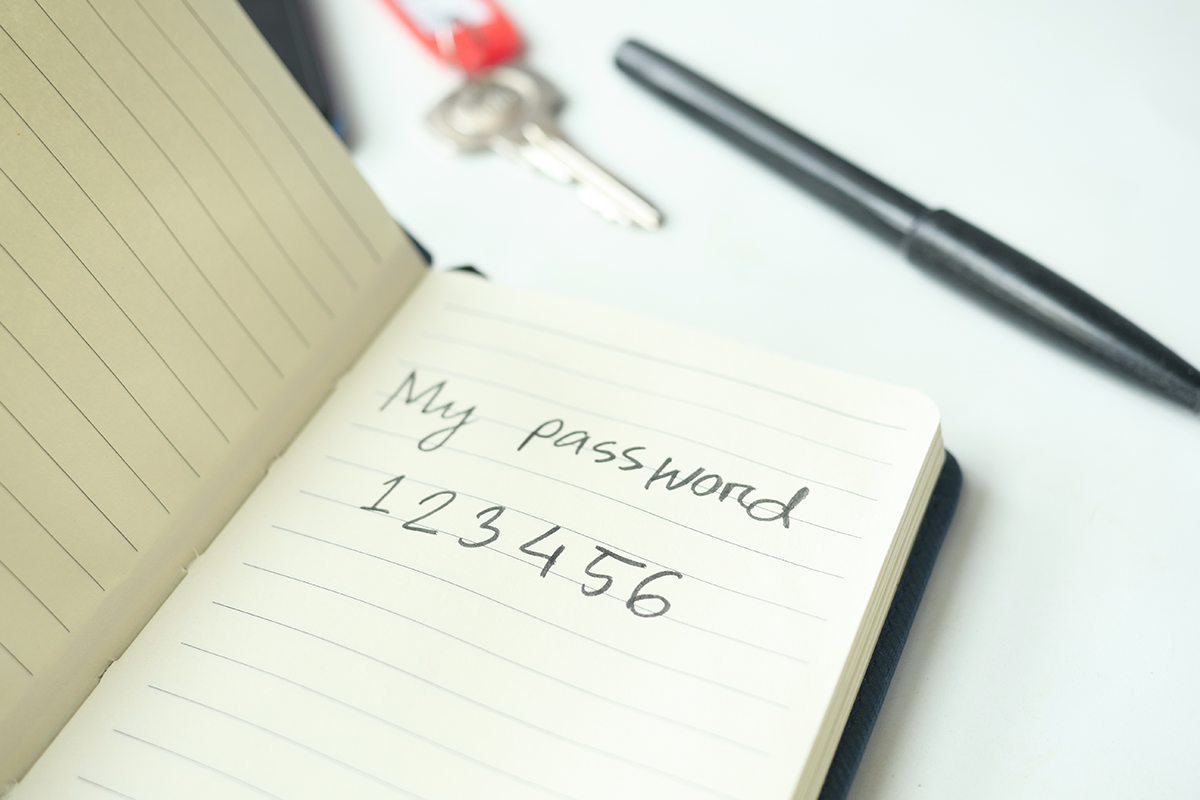


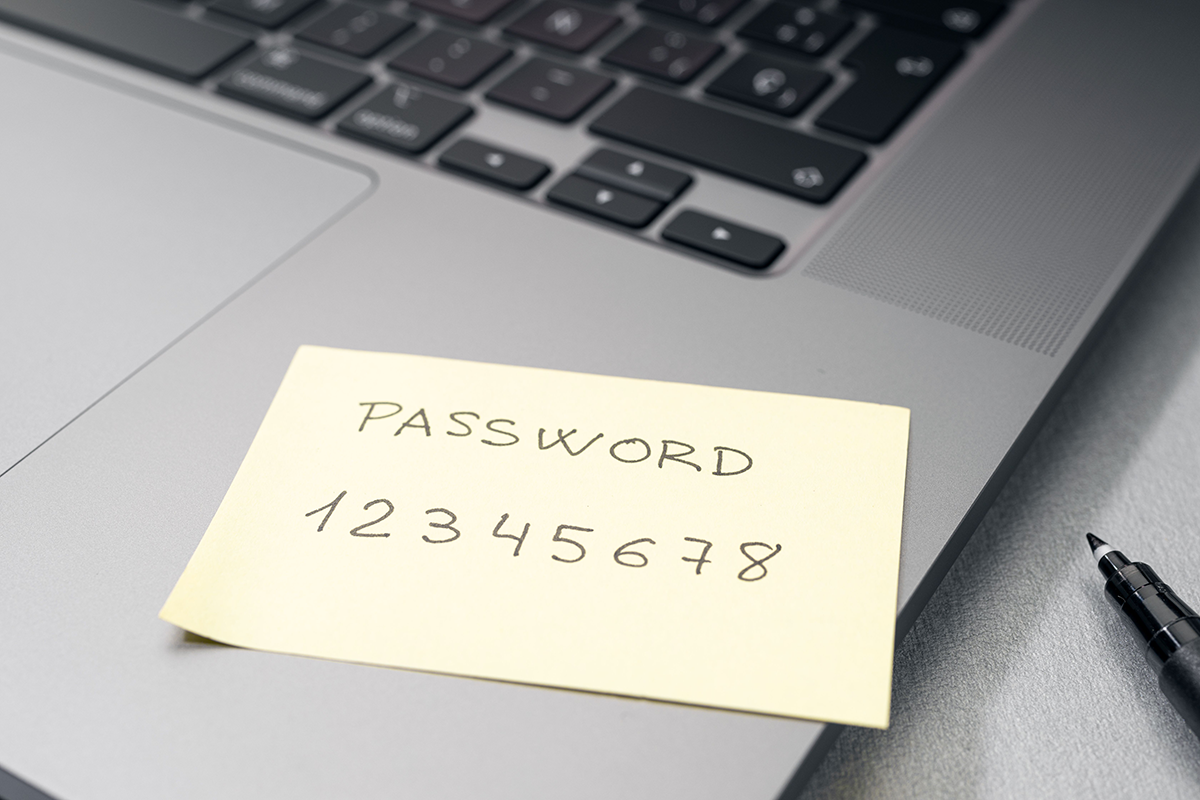
As the new year begins, many business owners take time to set goals, update systems, and prepare for growth. Yet one of the most overlooked areas of business security is also one of the riskiest. Password practices. If you are entering 2026 using the same passwords that you used last year, you could be putting your entire business at risk.
Passwords remain the number one point of entry for cybercriminals. Weak, reused, or outdated passwords create easy access points for hackers looking for vulnerable businesses. The problem is no longer limited to large corporations. Cyberattacks on small and mid-sized businesses continue to rise every year.
For businesses working with CHQ, there is good news. CHQ now offers LastPass as part of their MSP package. This addition strengthens your security, simplifies user access, and removes the guesswork from password management. Before we explore how LastPass helps, it is important to understand exactly why password security matters more than ever in 2026.
The Cyber Threat Landscape Has Changed
The digital environment is shifting rapidly. Cybercriminals use more advanced tools and automated technologies to crack passwords, access systems, and steal sensitive information. What used to take hours now takes seconds.
These trends make password reuse especially dangerous. If one account becomes compromised, attackers often attempt the same credentials across hundreds of platforms within minutes. This method, known as credential stuffing, is one of the most successful attack types against small businesses.
Once inside a system, attackers may steal data, disrupt operations, deploy ransomware, or use compromised email accounts to trick other employees or customers. A single password mistake can lead to costly downtime, legal implications, and damaged trust.
In 2026, the standard for password hygiene is higher than ever. Your business cannot afford to rely on outdated habits.
Why Reusing Passwords Is No Longer Safe

Many employees reuse passwords because they feel overwhelmed by the number of accounts they must manage. While understandable, this practice creates significant risk.
Here are the top reasons reused passwords are a problem:
One breach exposes everything
If one site or service experiences a data breach, attackers immediately test those leaked passwords on email accounts, banking portals, cloud services, and internal business systems.
Cybercriminals use automated tools
Tools that cycle through billions of password combinations can break simple or reused passwords instantly.
Employees are targeted more often
Phishing emails and impersonation scams are highly convincing. If an attacker obtains a reused password through phishing, they gain access to multiple systems.
Passwords are predictable
Birthdays, pet names, seasons, business names, and simple number sequences are easy to guess. Predictable passwords accelerate unauthorized access.
With attacks becoming more frequent and more sophisticated, businesses need stronger tools and better habits to stay safe.
Why Strong Passwords Matter More in 2026
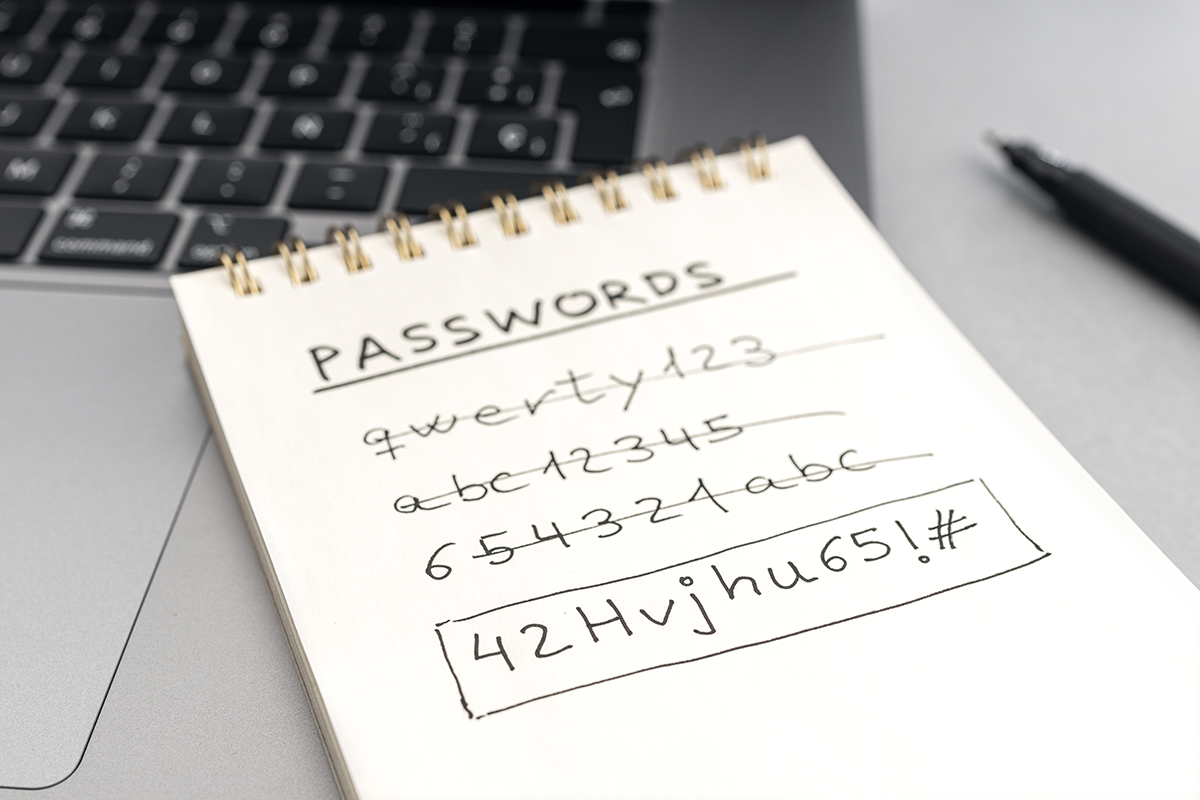
A strong password is still one of the most effective security measures available. Yet most businesses rely on passwords that fall far below recommended standards.
A modern strong password must:
- Be long rather than short
- Use a mix of letters, numbers, and symbols
- Be unique to each account
- Avoid personal information
- Be updated when needed
Unfortunately, human memory alone cannot keep up with these rules. That is why password managers have become essential tools for businesses of every size.
How LastPass Solves the Password Problem
This is where CHQ’s new offering becomes a major advantage. CHQ now includes LastPass as part of their MSP services, providing secure password management that reduces risk and simplifies user access.
LastPass gives your business tools that:
- Generate strong, random passwords for every account
- Store passwords securely in encrypted vaults
- Autofill login information to reduce user error
- Provide shared access without revealing actual passwords
- Sync across devices for easy use
- Enforce security policies and controls across your organization
With LastPass, employees no longer need to create, remember, or reuse passwords. Each account receives a unique, complex password that meets modern security standards. If a breach occurs on one platform, it will not affect other accounts.
This shift alone dramatically reduces your cybersecurity risk.
Why Businesses Benefit from CHQ Managing LastPass

Password management is powerful only when configured correctly. By including LastPass in their managed IT services, CHQ handles the setup, administration, user onboarding, and ongoing monitoring needed to keep your business protected.
CHQ’s management includes:
- Enforcing password complexity and security rules
- Monitoring security scores across your organization
- Helping employees adopt better password practices
- Managing shared credentials safely
- Detecting weak or reused passwords
- Providing fast support for login issues
- Simplifying user transitions when staffing changes
With CHQ overseeing LastPass, your business stays on track with security without adding extra work to your team.
The Cost of Not Updating Password Practices
Continuing into the new year with old passwords may seem harmless, but the risks are real and costly. Businesses that fail to update their password policies face:
- Higher vulnerability to ransomware
- Stolen financial or customer data
- Unauthorized access to email accounts
- Fraudulent activity under compromised accounts
- Hours or days of downtime
- Recovery costs that far exceed prevention
- Reputational damage
The financial and operational impact of a breach can be devastating. Updating passwords and using a secure management solution is one of the most affordable and effective ways to prevent these problems.
Best Practices for 2026 Password Security
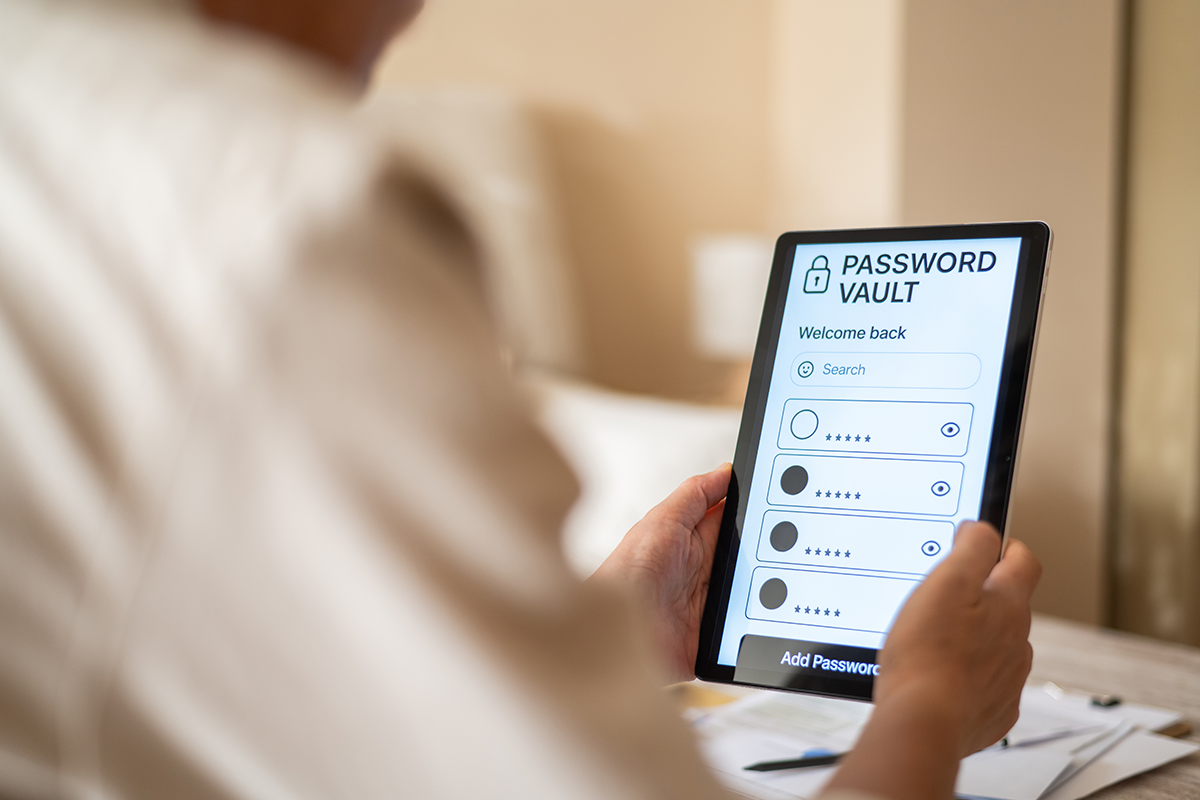
To protect your business this year, adopt the following password habits:
- Use a password manager such as LastPass for every employee
- Require unique passwords for every account
- Enable multi factor authentication wherever possible
- Avoid storing passwords in browsers or unsecured notes
- Replace passwords that are simple, reused, or outdated
- Regularly review access permissions for all staff
- Provide training on phishing and password safety
These steps, combined with CHQ’s managed IT services, create a strong cybersecurity foundation for your business.
Secure Passwords Mean a Safer, Stronger Year for Your Business
A new year is the perfect time to strengthen your digital defenses. Reusing the same passwords puts your business at significant risk, particularly as cyber threats continue to evolve. With CHQ now offering LastPass as part of their MSP services, you gain a secure, streamlined way to manage every login your business relies on.
To learn more or to have us set up LastPass for your team, contact Computer Headquarters today!
Don’t let IT worries steal your Christmas spirit. Prepare your business before the holidays hit and enjoy peace of mind knowing your network, data, and devices are safe.
Contact Computer Headquarters today to schedule your Holiday IT Readiness Check. Because while you’re taking a break, your technology should be working overtime to keep everything running smoothly.