


The countdown to Christmas has begun, and if you run a business in Juneau, you’re probably racing to tie up year-end reports, finalize schedules, and maybe even sneak in some hot cocoa before heading home. But before you power down your workstation and hang that “Out of Office” sign, there’s something equally important to check off your list: your IT readiness.
The holiday season might be a time for rest and reflection, but for your technology, it can be one of the most vulnerable times of the year. Cyber threats spike, power outages roll through, and unattended systems can quickly become ticking time bombs if not properly secured.
Here is an actionable list of five IT must-dos to help Juneau businesses log off safely and enjoy a truly worry-free Christmas.
1. Back Up Everything & Verify It Works

Few things ruin a holiday faster than returning to find your data gone. Whether it’s a failed hard drive, malware attack, or accidental deletion, losing business data can bring operations to a standstill.
Before you leave for the holidays:
- Run a full backup of all critical files and databases.
- Use both cloud storage and physical backups for redundancy.
- Store physical drives in a secure, climate-controlled location.
- Verify your backups by testing a restore to ensure files open properly.
For Juneau businesses, where winter storms can easily knock out power or internet, this step is essential. CHQ offers managed backup and disaster recovery services that automatically secure your data and test recovery systems regularly.
2. Secure Your Network (Because Hackers Don’t Take Holidays)

The holidays are prime time for phishing scams and ransomware attacks. Cybercriminals know employees are distracted, IT teams are short-staffed, and inboxes are flooded with fake shipping notifications and donation requests. Over 40% of small business cyberattacks happen during weekends and holidays. Don’t let your downtime become their opportunity.
Before you shut down your office:
- Make sure your firewalls, antivirus, and intrusion detection systems are active and updated.
- Enable Multi-Factor Authentication (MFA) for all logins, especially for Microsoft 365, email, and remote access.
- Review user permissions and remove access for former employees or seasonal workers.
- Run a quick network scan to check for unfamiliar devices or vulnerabilities.
CHQ’s cybersecurity monitoring can help identify threats before they strike, so your systems stay safe, even when your office is dark.
3. Check Power & Equipment Protection
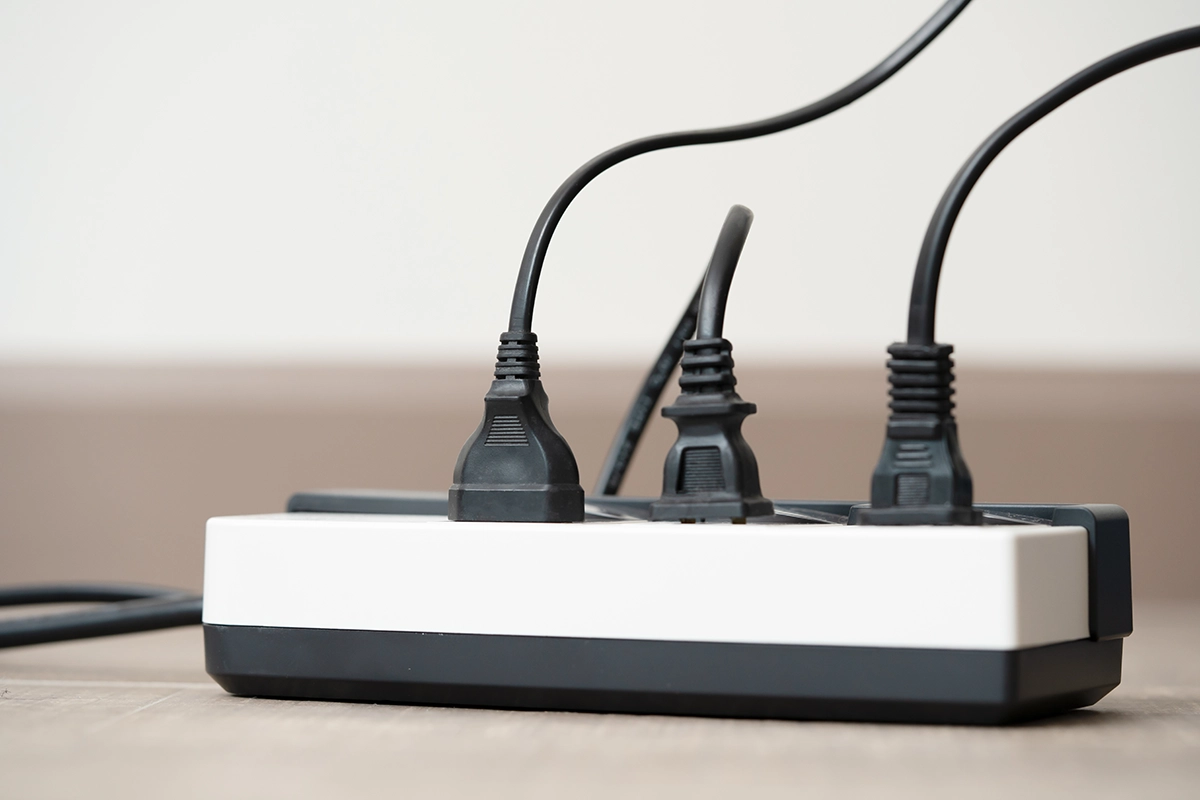
If there’s one thing Southeast Alaska can guarantee in December, it’s unpredictable weather. Between heavy snow and strong winds, power outages and voltage spikes are common in Juneau this time of year.
Without proper protection, your servers and computers are vulnerable to damage or data corruption.
Before you leave:
- Plug critical equipment into Uninterruptible Power Supply (UPS)
- Shut down and unplug non-essential devices to reduce risk.
- Check surge protectors for wear and replace any that are more than a few years old.
- If you have sensitive hardware or a server room, make sure temperature controls are working properly.
At CHQ, we recommend every Juneau business keep at least one battery backup unit for each workstation and server. It’s a small investment that could save thousands in damaged equipment.
4. Update, Patch, and Protect
Outdated software is a hacker’s favorite gift. The longer a program runs without updates, the more exposed it becomes to exploits. Don’t ignore those “Update Available” reminders because they often contain critical security patches that prevent breaches.
Before you head out for Christmas break:
- Run all pending updates for operating systems, software, and security tools.
- Confirm your antivirus is up-to-date and performing automatic scans. Schedule maintenance windows for major updates during your holiday closure.
CHQ’s managed IT services can automate this process, ensuring your systems stay patched and secure even when no one’s around.
5. Set Up Smart Remote Access & Monitoring

Even if your office is closed, your business doesn’t stop. Customers may still send inquiries, invoices may process automatically, and servers will continue running. That’s why remote visibility matters. Consider setting up real-time alerts for temperature, power, and network connectivity if your business uses critical on-site hardware.
- Set up remote access so authorized users can securely log in to essential systems.
- Use encrypted connections (VPNs) and ensure login credentials are protected with MFA.
If you work with CHQ, you can also set up 24/7 system monitoring so if a network issue, outage, or suspicious login occurs, our team gets an alert and responds immediately. You can sip cocoa with confidence, knowing someone’s watching over your tech.
Bonus Tip: Schedule a Post-Holiday IT Check
Once the holidays are over, your team will return refreshed and ready for the new year. But your technology might not be so lucky. Running a post-holiday IT checkup helps ensure all systems are running smoothly and that no unnoticed issues occurred during your time off.
CHQ can assist with:
- Network health audits
- Hardware performance checks
- Software license reviews
- Cybersecurity scans and user training
This proactive approach not only prevents downtime but also prepares your business for a productive start to 2026.
Why Juneau Businesses Need Local IT Support

When it comes to IT management, location matters. Businesses in Southeast Alaska face unique challenges like limited connectivity, frequent weather disruptions, and long wait times for mainland tech support.
By partnering with a local IT provider like Computer Headquarters, you get:
- Fast response times when emergencies happen.
- Local expertise that understands Juneau’s specific tech challenges.
- Personalized service from a team that’s just a phone call away.
Whether you’re a small retail store, government office, or remote professional service, having local IT support can mean the difference between an easy recovery and an expensive disaster.
Ready to Power Down with Confidence?

Before you lock up your office and log off for Christmas, take a few minutes to protect your data, your network, and your peace of mind. A little preparation now ensures you’ll return after the holidays to a business that’s just as ready to work as you are.
If you need help performing your Holiday IT Readiness Check, contact Computer Headquarters today. We’ll make sure your systems stay safe, your data stays secure, and your holidays stay merry and bright.