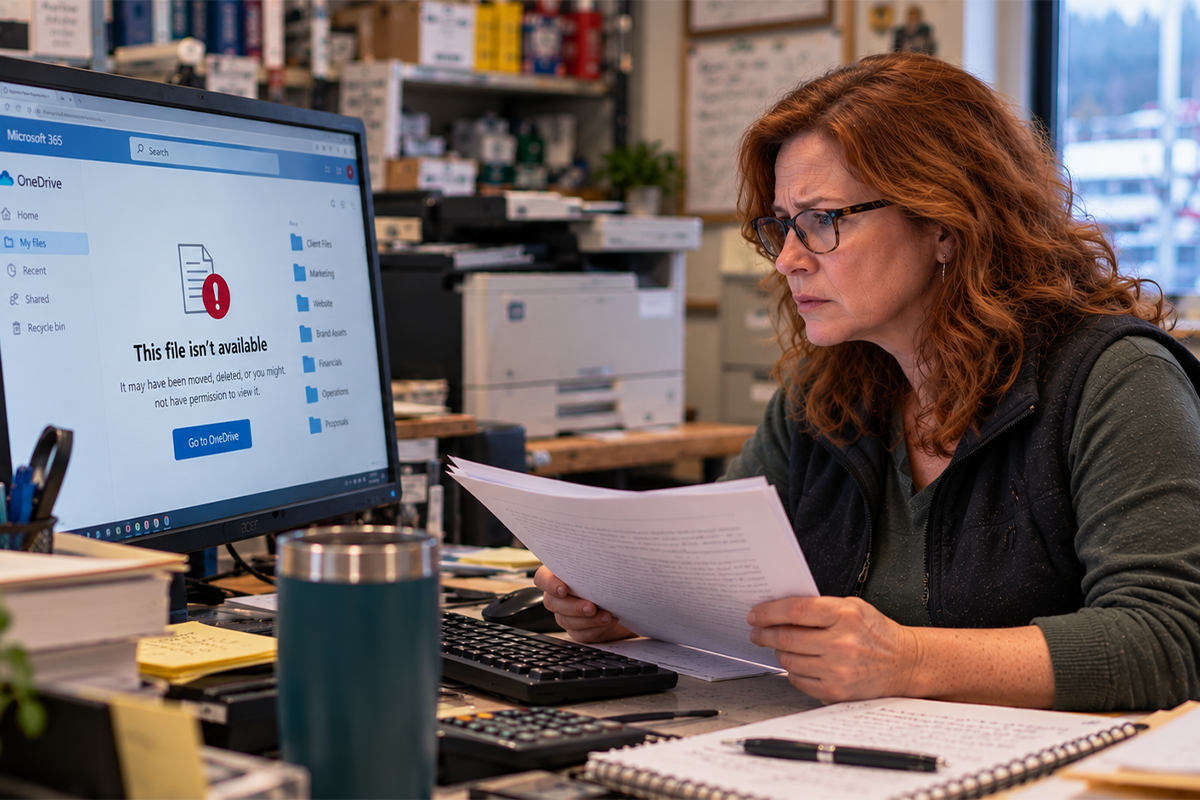



It’s Thanksgiving. You’ve got one eye on the turkey and the other on whoever just volunteered to make the gravy. Then your phone lights up. “Hey, sorry to bug you, but is the office network down?”
If you own a small business, that call probably sounds familiar. With managed IT, your team already knows who to call, and someone may have spotted the problem before the phone ever rang.
Take a Ketchikan inn with guests arriving Thursday afternoon. You’ve handed the front desk keys to the holiday crew. Have you also handed them a way to get help if the reservation screen goes blank?
The answer matters even if you close the office for Thanksgiving. Someone still has to notice a failed backup on Wednesday night, and somebody on Friday’s shift still needs access to the order list. With managed IT, your business pays a team to look after those systems on an ongoing basis. Here’s what that can look like over one long weekend.
When the Front Desk Calls at Dinnertime

Picture the desk clerk trying to check in a family. The reservation won’t load. The lobby Wi-Fi still works. From your dining room, that’s a tough one to diagnose. For a help desk technician, those two details narrow down where to look.
With managed IT, the technician can check which devices are online and whether anything dropped off the network around the time the trouble started. If the front desk computer is the only device affected, the clerk can leave the router alone. The clerk pulls up the reservation on a second computer and hands the family their keys while the technician works on the first one. Nobody upstairs misses a minute of the game.
What a Technician Can Spot on Wednesday
Say the inn keeps its invoices and housekeeping schedules on a shared drive. A computer that stores those files has been running low on space. The person updating the schedule can still open it, make changes, and save it. From the front desk, everything looks fine.
A technician monitoring that computer can get a warning while there’s still room to work. They can see how quickly the space is disappearing and investigate what’s using it. Maybe last night’s software update left a large set of temporary files. Maybe the inn has added a second property and simply outgrown the drive. The first issue could take a short cleanup. The second belongs in the owner’s budget. Finding out on Wednesday gives the inn a say in when the work happens.
Monitoring has limits, too. A workstation can be online while the reservation app on it is frozen. That’s where the clerk’s call comes in. “I can open my email, but the reservation screen freezes when I search for a last name” gives the help desk a much better starting point than “the internet is broken.”
What If the Whole Inn Loses Its Connection?

Now change one detail. The clerk tries a second computer and gets the same error. A guest mentions that the lobby Wi-Fi is out, too. Moving to another desk won’t help this time. The technician can check the last time the inn’s equipment was reachable and work with the internet provider. Meanwhile, the clerk has a family in wet coats waiting for a room.
Before the holiday, walk through one arrival with the person who’ll actually be working. Can they find the day’s expected guests if the booking website is unavailable? Where can they securely record a check-in so the next shift knows which rooms are occupied? Agree on an approved fallback and give the clerk a chance to try it. A plan saved only on the shared drive is hard to consult when the drive is the thing they can’t reach.
The same exercise works for a Ketchikan shop opening on Friday morning. Ask the first cashier what they’ll say if the payment terminal loses its connection and a customer has a basket on the counter. Decide ahead of time which payment options your provider supports during an outage and who can approve a hold. That’s a much easier conversation to have before there’s a line at the register.
The Backup Test That Matters on Friday Morning
Suppose someone opens the weekend staffing spreadsheet, deletes the Saturday tab by mistake, and saves it. By the time anyone notices, two more shifts have made changes. Everyone can still open the file. The trouble is that nobody knows who’s coming in on Saturday.
Give your IT team the file name, where it’s stored, and the last time you remember the tab being there. With an appropriate backup available, they can restore an earlier version to a separate location. The shift lead can check that it’s the right schedule and copy the missing tab into the working file. Friday’s changes stay intact, and nobody has to text six people during dessert to reconstruct the roster.
Try that exercise with a sample file before the break. You’ll learn how far back you can go, how long a restore takes, and whether the folder your staff actually uses is covered. Finding a gap now gives you time to fix it before a missing file matters.
Three Questions to Ask Before You Head Home
Give the holiday shift a one-page handoff. Include the support number somewhere staff can reach from a phone, the address of the location they’re calling about, and the person authorized to make a spending decision if a repair can’t wait. Use these three questions to fill in the gaps.
- Who gets the alert? Ask your IT provider what they monitor over the holiday and who follows up. A warning that a drive is nearly full is useful when someone has time to act on it.
- Can we get yesterday’s file back? Pick a file you’d miss, like the weekend staffing schedule. Ask your IT team to restore a recent copy and open it with you. That gives you a recovery plan you’ve actually tried.
- Who does the holiday crew call? Leave the help desk number at the front counter, confirm holiday coverage, and tell staff which problems warrant calling you. A line of guests waiting to check in deserves a different response than a printer running low on toner.
It helps to spell out what can wait. If one receipt printer quits and the second register works, leave a ticket for the next business day. If both registers stop taking payments just as the doors open, the shift lead should know who can authorize the next move. That distinction gives employees permission to act and gives the owner a fair shot at a hot meal.
Leave Room for Pie

If you’re deciding where to start, pick the one part of the holiday weekend your business really needs to get right. For the inn, it’s getting guests into their rooms. For the shop, it’s getting that first Friday sale through. Tell us what that moment looks like and who will be working. We can help you trace which systems it depends on and what your crew can do if one of them goes down.
At Computer Headquarters, we help Southeast Alaska businesses monitor their networks, recover files, and give staff a familiar place to call. If your holiday IT plan still involves someone saying, “Try the owner’s cell,” let’s give your team a better number.
Contact Computer Headquarters to schedule a free managed IT consultation.