



Quick question: could you name, right now, every single person who has login access to your business’s email, files, and systems? If you hesitated even a little, you’re not alone — and that gap is exactly how a former employee, an old vendor, or a seasonal hire ends up with access to your business long after they should.
It happens quietly. Someone leaves the company, and their email gets forwarded, but the account never gets deactivated. A seasonal worker’s login never gets removed after the season ends. A vendor from a project two years ago still has access to a shared drive nobody remembers granting. None of it feels urgent in the moment — until it’s the reason something goes wrong.
Fall is the ideal time to fix this. Here’s why a user access audit belongs on every Southeast Alaska business’s to-do list this season, and exactly what it should cover.
Why Fall Is the Right Time for This
Access sprawl — the slow accumulation of accounts, permissions, and logins that outlive their purpose — builds up gradually, usually tied to the rhythm of your business year.
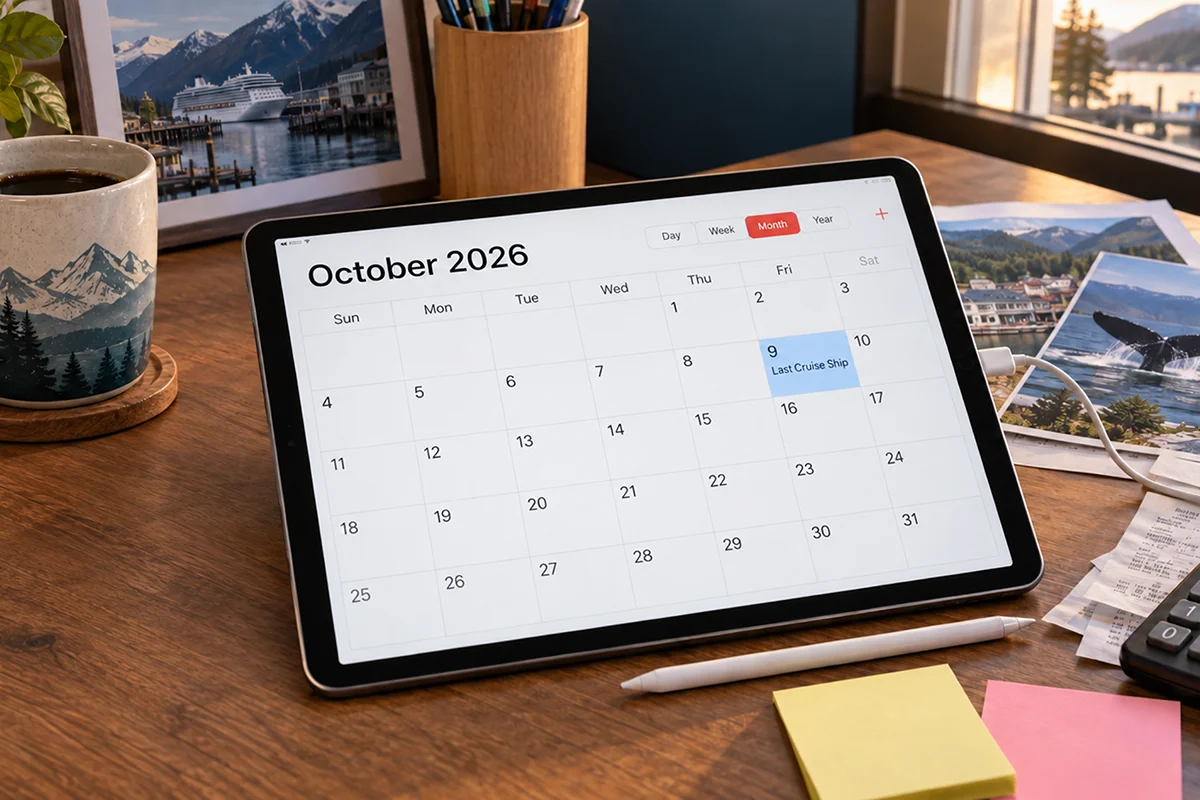
Fall lines up perfectly for a cleanup because:
- Seasonal staff are wrapping up. Tourism, fishing, and hospitality-driven businesses across Southeast Alaska bring on seasonal workers every summer, and fall is when those accounts should be reviewed and shut down.
- The busy season is behind you. Unlike a mid-summer audit that competes with your highest-traffic months, fall gives you the bandwidth to actually review access without disrupting operations.
- You’re heading into year-end. An access audit now sets you up for a clean slate going into next year’s budgeting, planning, and any system changes on the horizon.
- It’s before the holiday season ramps up. Retail and hospitality businesses in particular are about to enter another high-traffic stretch, and tightening up access now reduces risk before that pressure hits.
Think of it as the digital equivalent of changing the locks after you’ve handed out a few too many spare keys over the year.
Why This Matters More Than Most Businesses Realize
Unused or forgotten access isn’t just a tidiness issue — it’s one of the most common and preventable security risks a business can have.
Most data breaches and Here’s what’s actually at stake:
- Former employees retaining access. An employee who left on good terms is usually not a threat, but their still-active login is one more entry point that doesn’t need to exist — and if they left on bad terms, it’s a real risk.
- Vendors and contractors with outdated permissions. Anyone who was granted temporary access for a project should have that access removed once the project ends, but this step is frequently skipped.
- Shared or generic logins. Accounts shared across multiple people make it impossible to know who actually did what, and they’re far more likely to have weak, reused, or outdated passwords.
- Excess permissions. Employees often accumulate more access over time than their current role actually requires, simply because nobody ever goes back to remove what’s no longer needed.
Increased exposure to phishing and credential theft. Every active account is a potential entry point. The more unnecessary accounts exist, the larger your attack surface — whether the threat comes from outside or from a compromised login.
Unauthorized access incidents don’t come from some sophisticated hack. They come from an account that should have been deactivated months or years earlier.
What a Real User Access Audit Should Cover
A proper access audit goes beyond a quick glance at your employee list. It should account for every system, every login, and every level of access across your business.
A thorough audit includes:
- A full inventory of active accounts across email, shared drives, financial systems, point-of-sale, and any cloud-based software your business relies on
- Cross-checking access against current staff. Every active account should map back to a current employee, contractor, or vendor with a legitimate, ongoing reason for that access
- Reviewing permission levels, not just account existence. An account that exists but has far more access than the role requires is still a risk, even if the person is a current employee
- Identifying shared or generic logins and replacing them with individual, trackable accounts
- Checking multi-factor authentication status across accounts, especially for anything tied to financial systems, sensitive data, or admin-level access
- A documented offboarding process going forward, so access removal becomes a standard step every time someone leaves, not an afterthought
The goal isn’t just cleaning up what’s already gone wrong — it’s building a system where access naturally stays current instead of quietly drifting out of control again next year.
The Businesses Most at Risk
Some industries carry more risk from access sprawl than others, simply because of how they operate.
Particularly high-risk situations include:
- Seasonal and tourism-driven businesses with regular turnover in staff and short-term hires
- Healthcare providers, where outdated access to patient data creates both a security risk and a compliance issue
- Retail and hospitality businesses with shared point-of-sale systems and multiple staff logins
- Construction and trades businesses with rotating crews, subcontractors, and project-based vendor access
- Any business that’s grown or changed roles internally without a formal process for updating or removing old permissions along the way
If your business fits any of these patterns, chances are there’s more lingering access out there than you’d expect.
How Computer Headquarters Helps Businesses Get This Right
This is exactly the kind of gap we help Southeast Alaska businesses close. A user access audit isn’t a one-time favor — it’s part of building IT infrastructure that’s actually secure, not just functional.
Our approach includes:
- A comprehensive review of active accounts and permissions across your systems
- Identification of outdated, unnecessary, or overly broad access
- Implementation of stronger authentication and account management practices
- Ongoing monitoring and proactive support, so access doesn’t quietly drift out of control again between audits
- A documented, repeatable offboarding process tailored to how your business actually operates
We work with businesses across healthcare, government, retail, hospitality, construction, and nonprofits throughout Southeast Alaska, and access sprawl is one of the most common — and most fixable — issues we find during a security review.
Don't Wait for an Incident to Find Out Who Still Has Access
Most businesses don’t think about old accounts and unnecessary access until something goes wrong — a data leak, a suspicious login, or an uncomfortable question during an audit or compliance review. By then, the fix is reactive instead of preventative.
Fall gives you the perfect window to get ahead of it: the busy season is behind you, seasonal staff turnover just happened, and you’ve still got time to tighten things up before the next high-traffic stretch begins.
Not sure who still has access to your systems? Contact Computer Headquarters today for a user access security audit built for Southeast Alaska businesses.